RustFS storage
RustFS is S3 API compatible open-source alternative to MinIO. Endatix fully supports RustFS as well as any other S3 compatible object storage provider. Because RustFS is a very popular and friendly options for self-hosted scenarios, this is the recommended object storage provider for self-hosting Endatix.
See here how to get starter with installing RustFS - Installing RustFS with Docker.
You can also check our Local RustFS section on this page.
Required settings
Once your RustFS storage is provisioned and available, next step is to connect it to your Endatix Hub application. The
STORAGE_PROVIDER=s3
STORAGE_S3_ENDPOINT=http://localhost:9000
STORAGE_S3_ACCESS_KEY_ID=rustfsadmin
STORAGE_S3_SECRET_ACCESS_KEY=rustfsadmin
STORAGE_S3_ENDPOINT must be reachable from both the Endatix Hub server and the users' browser. Endatix Hub uses this single origin for SDK operations, presigned upload/read URLs, stored canonical URLs, and image host allowlisting.
Optional settings
STORAGE_S3_REGION=us-east-1
STORAGE_S3_FORCE_PATH_STYLE=true
# Defaults to true. Set to false only for public storage.
STORAGE_IS_PRIVATE=true
STORAGE_S3_READ_EXPIRY_MINUTES=15
STORAGE_S3_WRITE_EXPIRY_SECONDS=180

# Optional bucket name overrides.
# Defaults: user-files and content.
STORAGE_USER_FILES_CONTAINER_NAME=secure-vault
STORAGE_CONTENT_FILES_CONTAINER_NAME=content-vault
RustFS expects path-style URLs, so leave STORAGE_S3_FORCE_PATH_STYLE unset or set it to true. Keep STORAGE_IS_PRIVATE=true for respondent uploads; it is the default. Set STORAGE_IS_PRIVATE=false only when objects should be directly readable from the configured endpoint.
S3/RustFS has no legacy S3_* environment variable support in Hub. Use the canonical STORAGE_IS_PRIVATE and STORAGE_S3_* names.
Local RustFS
Step 1: Get the RustFS Docker Container Running
From the root of the Endatix API repository:
docker compose -f docker/docker-compose.rustfs.yml up
The file is docker/docker-compose.rustfs.yml, next to the other local compose files. It starts its own project named endatix and does not join the API stack in docker/docker-compose.yaml. Default access key and secret are rustfsadmin. Override them with RUSTFS_ACCESS_KEY and RUSTFS_SECRET_KEY if you change the Hub STORAGE_S3_* values.
The local compose uses RustFS single-node single-disk mode (/data) to avoid the local erasure-coding disk check. By default it persists data in a Docker named volume for a quick first run. For durable local testing, prefer a host directory that maps to a real disk:
sudo mkdir -p /mnt/rustfs/data
sudo chown -R 10001:10001 /mnt/rustfs/data
RUSTFS_DATA_PATH=/mnt/rustfs/data docker compose -f docker/docker-compose.rustfs.yml up
This is equivalent to the RustFS Docker guidance to mount /mnt/rustfs/data:/data. RustFS runs as the non-root rustfs user with id 10001, so bind-mounted host directories must be owned by 10001 or the container can fail with permission errors. Use multiple RustFS volume paths only when they map to distinct physical disks.
Step 2: Create the Storage Buckets
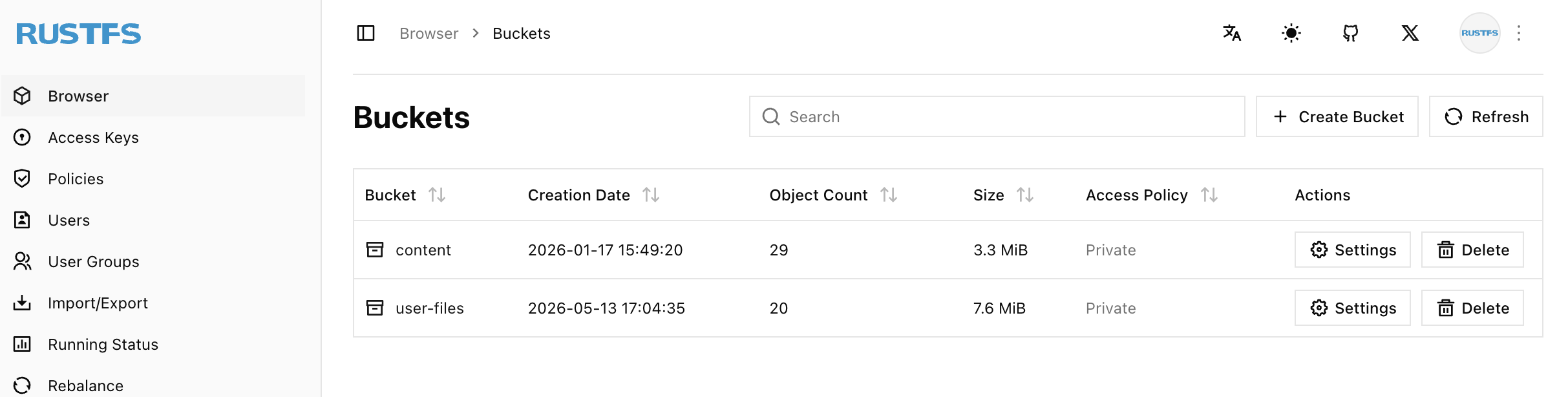
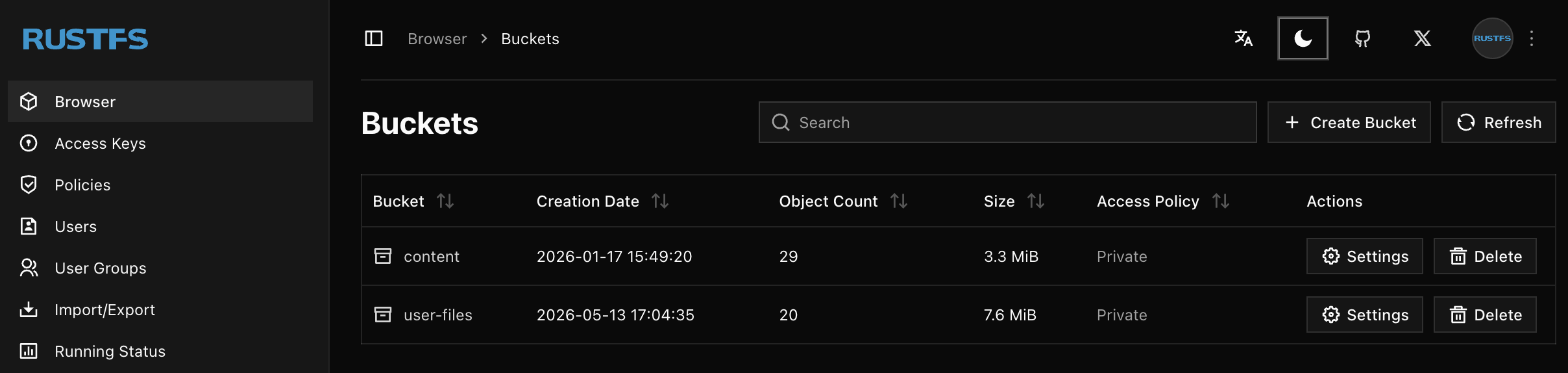
Then create the user-files and content buckets in the RustFS console at http://localhost:9001. If you set STORAGE_USER_FILES_CONTAINER_NAME or STORAGE_CONTENT_FILES_CONTAINER_NAME, create buckets with those exact override names instead.
Step 3: Set CORS
Allow Hub origins to issue browser reads & uploads to RustFS. To do so, for each of the two buckets (user files and content) allow the Endatix Hub's origin with GET, POST, PUT, "HEAD" & "DELETE" verbs and all headers (to support metadata upload and read).
[
  {
    "AllowedMethods": [
      "GET",
      "PUT",
      "POST"
    ],
    "AllowedOrigins": [
      "http://localhost:3000" // the Endatix Hub Url
    ],
    "AllowedHeaders": [
      "*"
    ],
    "ExposeHeaders": [
      "ETag"
    ]
  }
]