Exporting and importing forms
A form's content - pages, questions, logic, and translations - is one JSON document. The JSON Editor tab of the Form Builder lets you save that document as a file, load one from a file, or copy it. Use it to back up a form, move a form to another workspace, or send a support team a copy of a form without its wording.
The same toolbar is in the form template editor.
Open the JSON Editor toolbar
- Open the form in the Form Builder (Design), or open a template from Form Templates.
- Click the JSON Editor tab. On a narrow window it is under More.
- Use the buttons at the right of the tab strip:
| Button | What it does |
|---|---|
| Import | Replaces the JSON in the editor with a file you pick. |
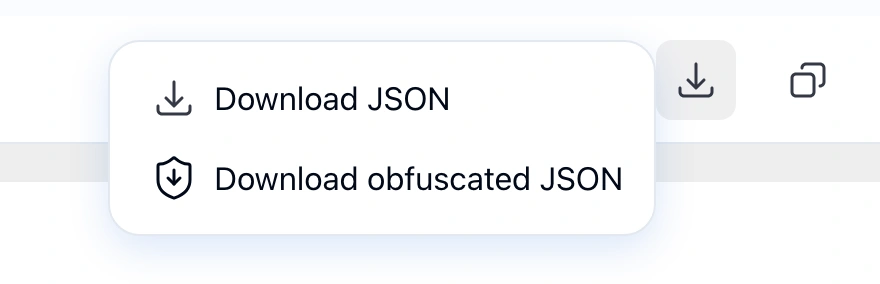
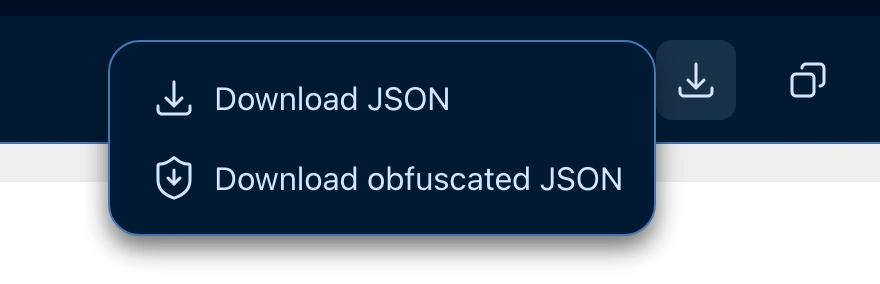
| Export | Opens a menu: Download JSON and Download obfuscated JSON. |
| Copy to clipboard | Copies the JSON in the editor. |
All three work on the JSON in the editor, including changes you have not saved yet.
Download a form's JSON
- Click Export.
- Click Download JSON.
The browser saves the editor's JSON as survey.json.
Import a form's JSON
- Click Import.
- Pick a
.jsonfile with a form definition. - Check the JSON in the editor, then click Save to keep it.
Import replaces the whole form, not just part of it. Until you save, the form keeps its last saved version.
Copy a form's JSON
Click Copy to clipboard, then paste the JSON where you need it, for example into the JSON Editor of another form.
Download an obfuscated copy for support
When a form misbehaves and you report it, support needs the form's structure and logic, not its wording. Download obfuscated JSON saves a copy with the text scrambled and the elements renamed, while the logic still runs.
- Click Export.
- Click Download obfuscated JSON.
- Attach the file to your support report.
The browser saves <form name>.obf.json, or <template name>.obf.json in the template editor. The form in the editor is not changed.
If the JSON in the editor has errors, Hub shows Fix the JSON errors to download an obfuscated copy. and downloads nothing. Fix the errors the editor marks, then try again.
What changes in the copy
- Text is scrambled. Every letter in every text - titles, descriptions, choice text, placeholders, error messages - becomes a random Latin letter of the same case, in every language of the form. Letters in other scripts, such as Cyrillic, Greek, or Chinese, become Latin letters too. Digits, spaces, and punctuation stay, and so do
{references}inside text. - Elements are renamed. Questions become
q1,q2, and so on, panels becomepanel1,panel2, and pages becomepage1,page2. Every reference to them in conditions, expressions, triggers, and text is renamed to match. - Logic still runs. Open the copy in Preview and the same answers show and hide the same questions.
- HTML content is removed. HTML questions are dropped, and so is the HTML of the completed page (
completedHtml,completedHtmlOnCondition,completedBeforeHtml) andloadingHtml.
What stays readable
Check the file before you send it if these hold anything sensitive:
- Choice, row, and column values. Conditions compare against them, so they stay. A choice with no text shows its value.
- Default values (
defaultValue). - Form variables (
variables). - URLs: the address a choice list loads from (
choicesByUrl) and the redirect after completion (navigateToUrl). - Matrix column names and the item names of Multiple Textboxes.
Limitations
Properties and question types Hub does not know are dropped from the copy. A setting added by hand in the JSON that the Form Builder has no field for may be missing.