Display and Calculated Widgets
Three question types in the Form Builder toolbox take no input from the respondent. HTML and Image put content on the page: instructions, a banner, a diagram. Expression (read-only) shows a number or date the form works out from earlier answers. Because there is nothing to type, none of the three can be marked required, and none of them validates what a respondent entered.
| Question type | What it shows | What it leaves on the submission |
|---|---|---|
| HTML | Markup you write: headings, paragraphs, lists, links, tables | Nothing |
| Image | An image, a video file, or a YouTube video from a URL | Nothing |
| Expression (read-only) | A value calculated from earlier answers | The calculated value |
They sit together near the bottom of the Toolbox, after the matrix questions:


HTML and Image are invisible in the results. An Expression question is not: its calculated value is written to the submission under the question's name, exactly like an answer. It is read-only to the respondent, not absent from the data. If you want a calculation that stays out of the results, use a custom variable instead.
HTML and Image also stay out of question numbering. With numbering turned on, an HTML block or an image between question 1 and question 2 does not become a numbered step. An Expression question does take a number.
HTML
An HTML question renders markup you write, anywhere in the form: a policy notice before a section, a formatted table of prices, a link to a longer document. It has no title and no description of its own, so the markup is the whole question.
The markup lives in HTML markup on the General page of the Property Grid, and it is the only setting the question really has, beyond Question name and Visible:
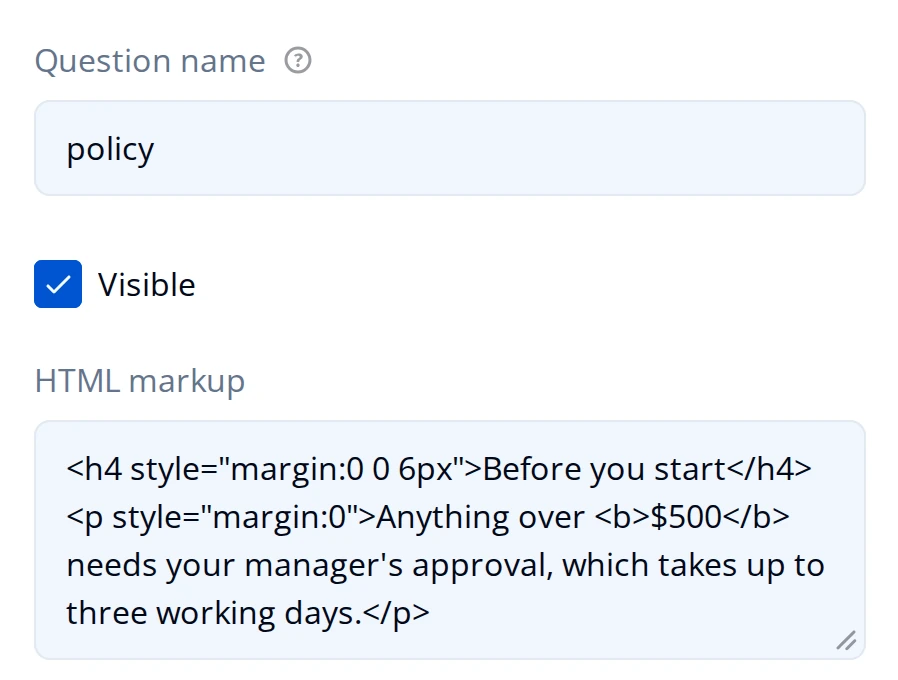
To show the block only in some runs of the form, set Make the question visible if on the Conditions page, the same way you would for any other question. See Conditional Logic.
What the markup can contain
Hub cleans the markup before it reaches the page, on the Preview tab and on the live form alike. Write ordinary content markup and it comes through untouched:
- Kept: headings (
h1toh6),p,div,span,br,hr, lists (ul,ol,li,dl,dt,dd), tables (table,thead,tbody,tr,th,td,caption),blockquote,pre,code,figure,figcaption, and inline emphasis (b,strong,i,em,u,s,sub,sup,small,del,ins), plusaandimg. - Kept on those tags:
style,class,role, andtitleeverywhere;href,target,title, andrelon a link;src,srcset,alt,title,width, andheighton an image. - Removed:
<script>,<iframe>,<form>,<input>,<button>,<video>, and any other tag outside the list above, along with every event attribute such asonclick. Text that was inside the removed tag stays, as plain text, so a stripped tag shows up as unformatted content rather than as a gap. The one exception is<script>, which is removed along with everything inside it.
Links have to use https:, mailto:, or tel:, and images https: or a data: URI. An http:// link keeps its text but loses its destination, and an http:// image renders empty, so use the secure address or upload the file instead. An external https:// link is also given target="_blank" and rel="noopener noreferrer" automatically, so it opens in a new tab.
<iframe> is removed, so a map, a video embed, or a third-party widget pasted from another site will not appear. For a video, use an Image question with Content mode set to Video or YouTube.
Showing answers inside the markup
The markup goes through text piping, so {questionName} in the HTML is replaced by that question's current answer as the respondent moves through the form. {variableName} works the same way for a custom variable, and so does the name of an Expression question.
<h4>Check your order</h4>
<p>You asked for {quantity} units at {unitPrice} each, for {orderTotal}.</p>
Piped answers are cleaned along with the rest of the markup, so an answer that happens to contain a script or an embed cannot reach the page as live markup.
Image
An Image question puts a picture, a video, or a YouTube video in the form. It is content you place, not a choice the respondent makes: to have the respondent pick between pictures, use the Image Picker described in Choice Questions, and to have them upload one, use the File Upload question.
Everything it needs is on the General page:
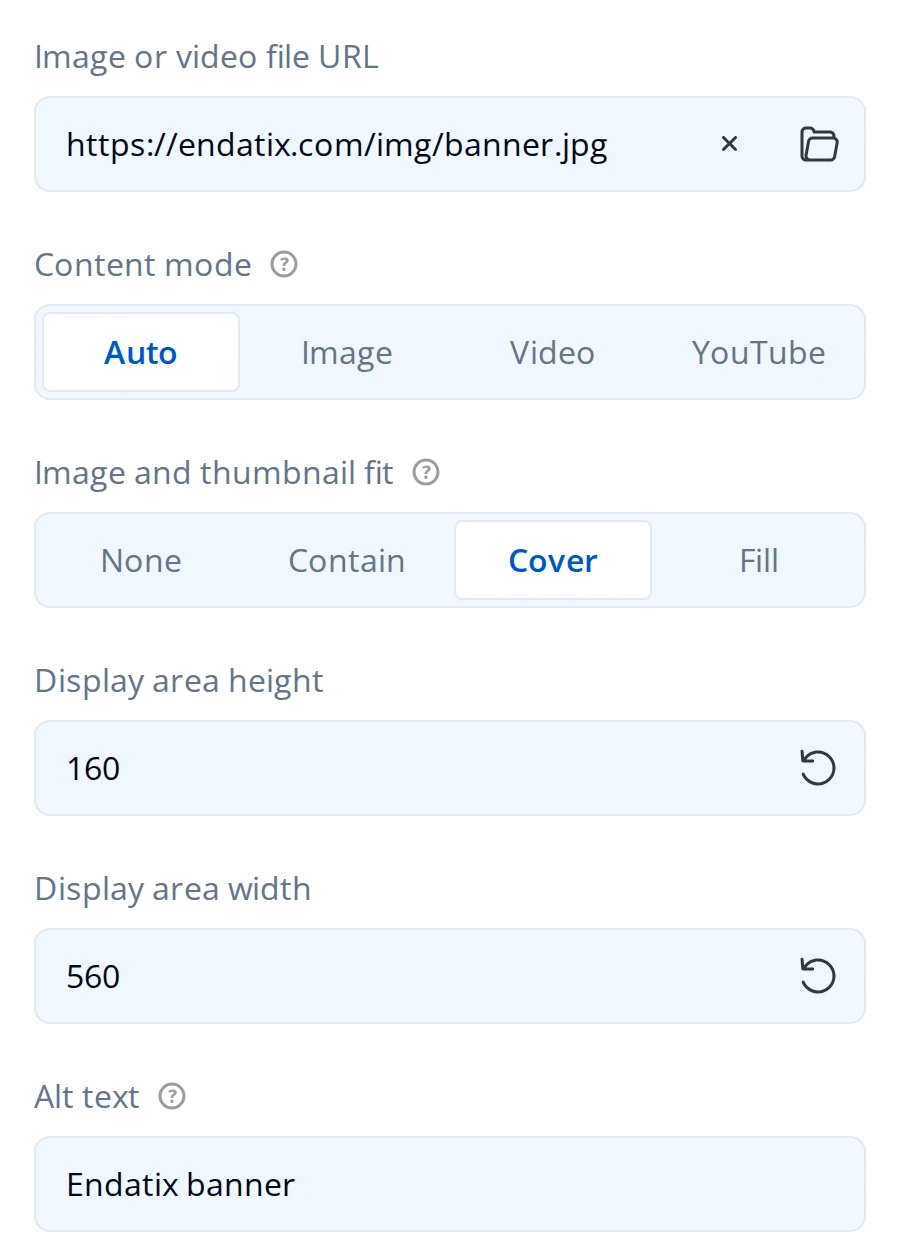
- Image or video file URL takes the file. Use the folder button at the end of the field to upload one from your computer, or paste a link. Uploading is the safer option: on a deployment whose file storage is private, a linked image held anywhere else does not load for respondents.
- Content mode is Auto, Image, Video, or YouTube. Auto picks one from the URL you gave it, which is the right setting unless a link is being read the wrong way.
- Image and thumbnail fit is how the file fills the display area: Contain (the default) resizes it to fit and keeps its proportions, Cover fills the area and crops the overflow, Fill stretches it out of proportion, and None leaves it at its original size.
- Display area height and Display area width size the area in pixels, 150 high and 200 wide by default. They set the box, not the file, which is why the fit setting matters once the two shapes differ.
- Alt text is what a screen reader announces and what shows if the file cannot load. Fill it in whenever the image carries meaning rather than decoration.
For a logo in the form header rather than a picture in the question flow, use the Survey Logo instead.
Expression (read-only)
An Expression question calculates a value from earlier answers and shows the result in place, so the respondent can see a total, a score, or a date before they submit. It is read-only: there is no field to edit, and changing the answers it depends on recalculates it immediately.
Unlike HTML and Image it has a title and a description, because it is a labelled value rather than a block of content:
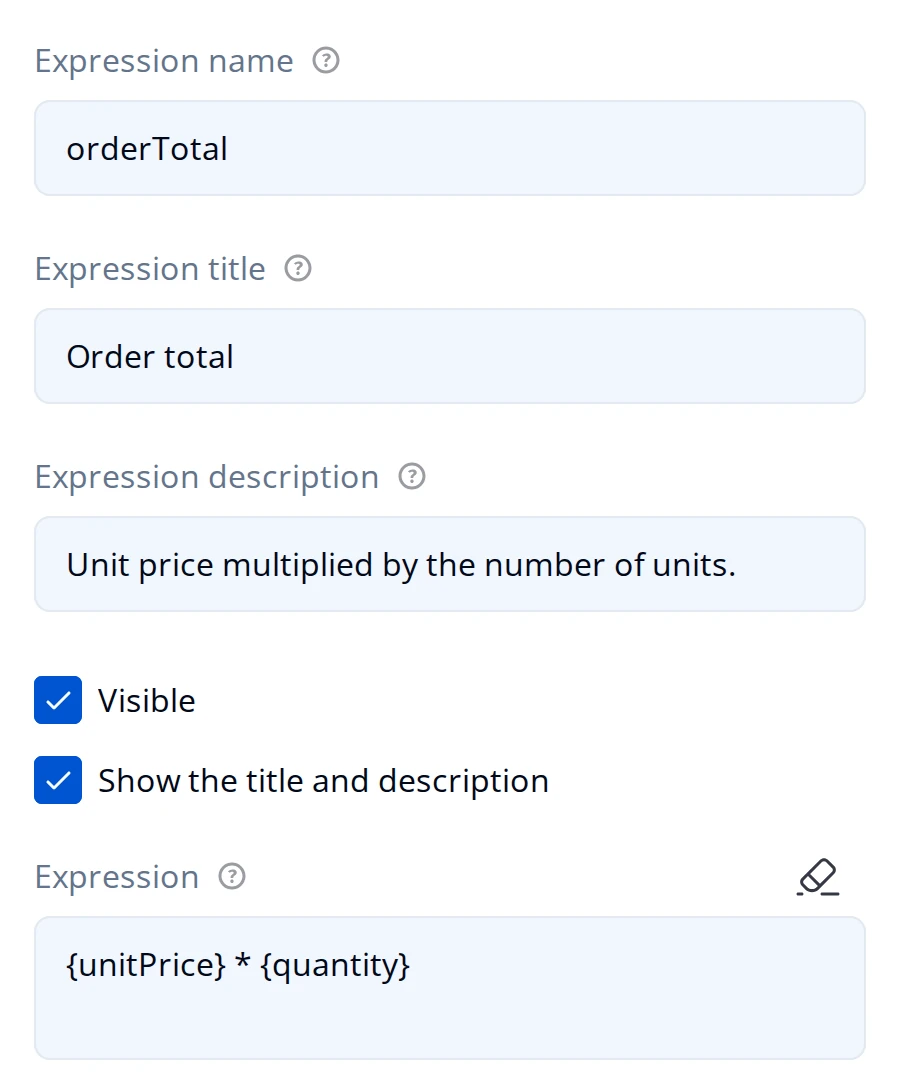
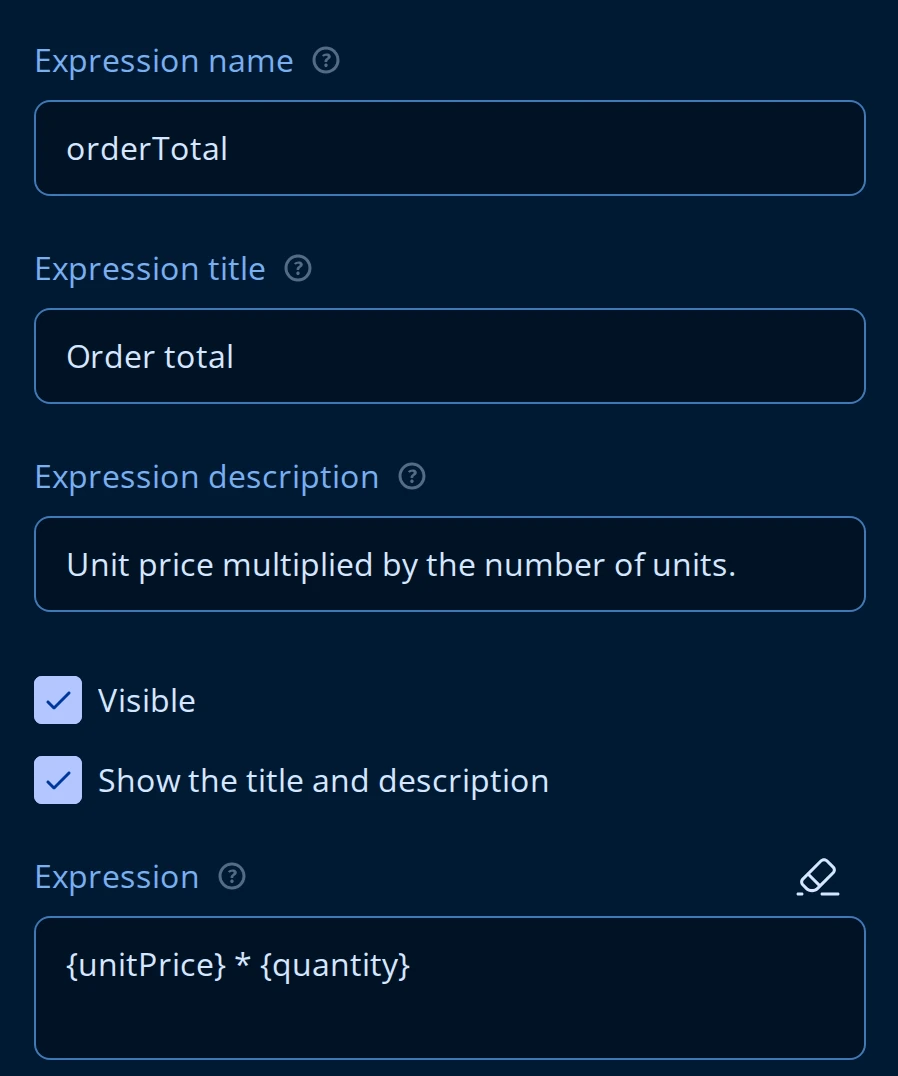
- Expression is the formula, with
{questionName}for an answer and{variableName}for a custom variable. The full set of operators and functions is on the Logic Expressions page. - Expression name is what the value is stored under and what other rules refer to, so treat it the way you treat any question name: set it once, then leave it alone.
- Expression title and Expression description are what the respondent reads. Show the title and description hides both without hiding the value.
Formatting the result
The rest of the General page is about how the number is rendered. None of it changes the value that is stored.
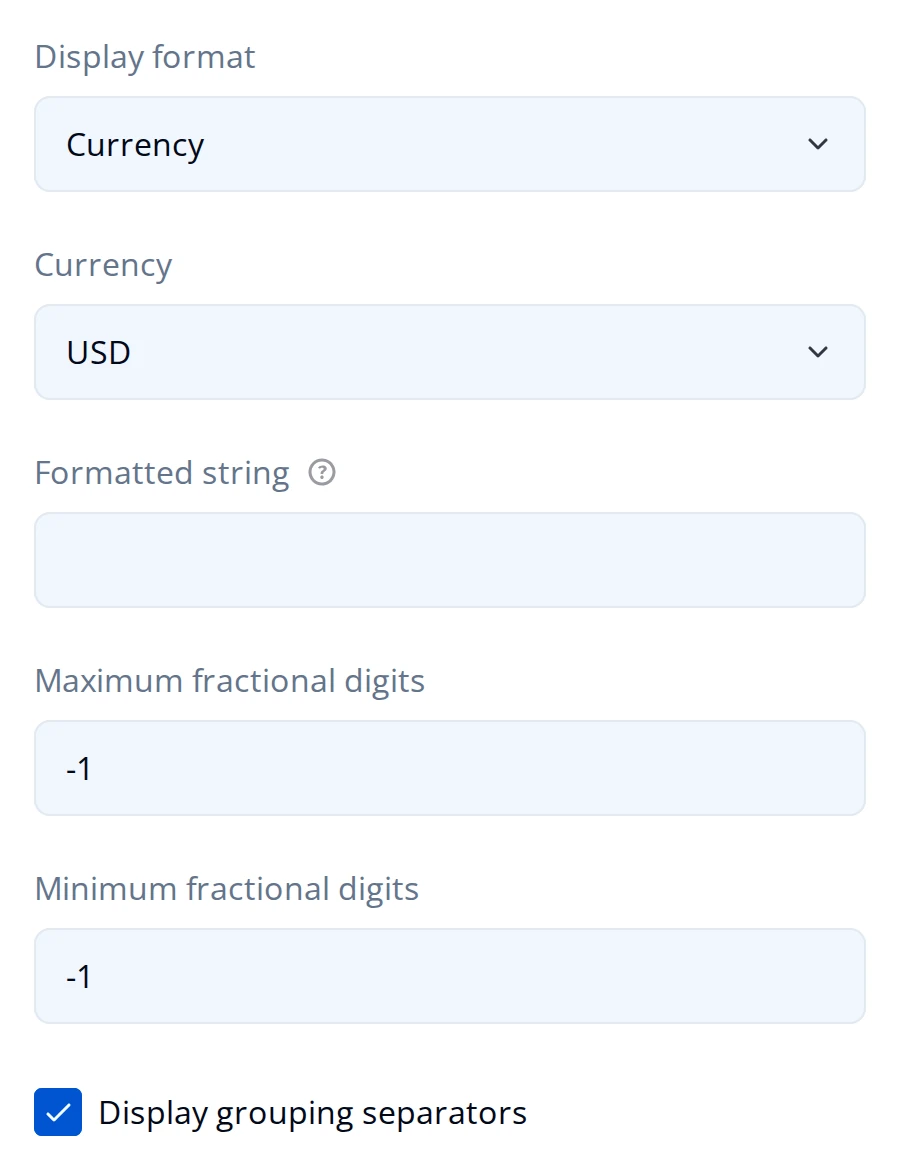
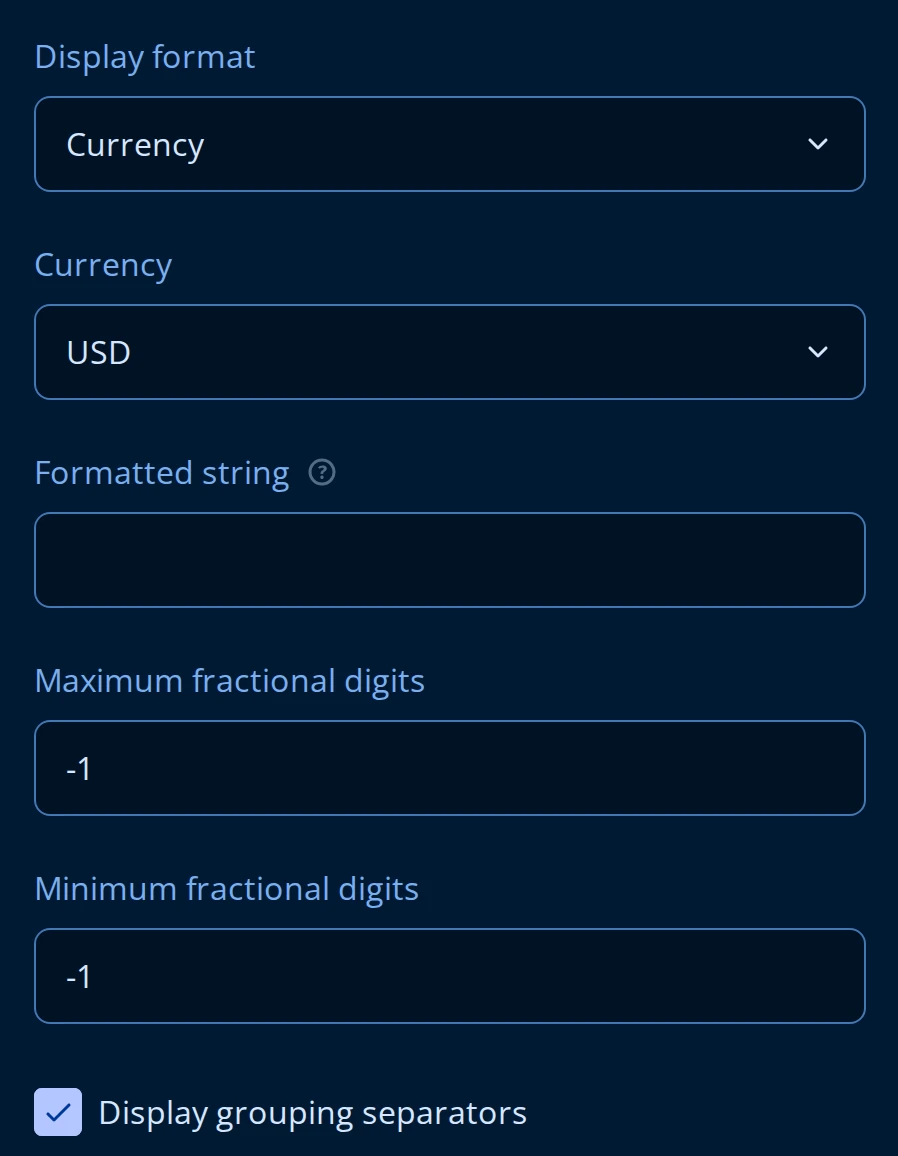
- Display format is None, Decimal, Currency, Percentage, or Date. None prints the raw result.
- Currency appears only when the display format is Currency, and holds the ISO code (
USD,EUR,BGN, and so on) that decides the symbol and where it goes. - Formatted string wraps the result in text, with
{0}standing for the value:Estimated total: {0} per month. - Maximum fractional digits and Minimum fractional digits bound the decimal places.
-1, the default, means the format decides. - Display grouping separators turns the thousands separator on and off.
- Precision, on the Data page rather than this one, rounds the stored value itself rather than its display. Set it when you want the submission to carry
12.35and not12.3456789.
The stored value is the raw one
Formatting is display only. A total shown as $747.00 is stored as 747, so a report or an export reads a plain number and not a currency string. Only Precision changes what is stored.
Blocking a submission on a calculated value
Of the three, only an Expression question can carry a validation rule. Add an expression validation rule on its Validation page and the form refuses to submit while the rule fails, with your error message under the calculated value. That turns a total into a limit: a purchase request that cannot exceed a budget, a set of percentages that has to add up to 100.
It cannot be marked Required, because the respondent has nothing to fill in.
When to use a custom variable instead
Use an Expression question when the respondent should see the number. Use a custom variable when the calculation is only there to drive logic, a condition, or a piece of piped text: a variable stays off the page, and it only reaches the submission if you ask it to.
What respondents see
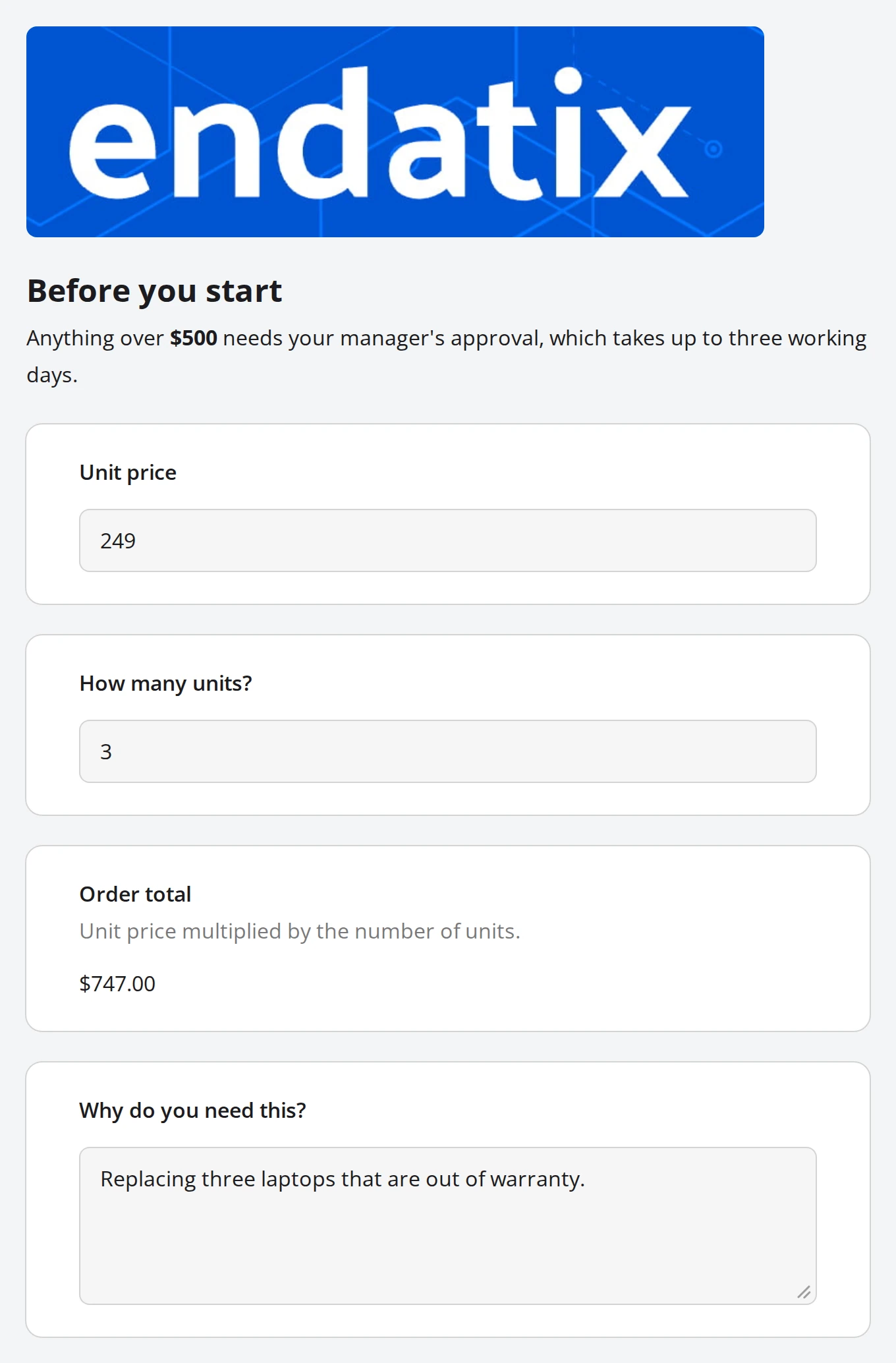
The banner comes from an Image question, the notice from an HTML question, and Order total from an Expression question that multiplies the two answers above it. Only the two text questions and the comment are things to fill in.
What reaches the submission
On Submission Details, the HTML and Image questions are listed with the form's structure but hold nothing, and they carry no question number. The Expression question is numbered along with the real questions and carries its calculated value:
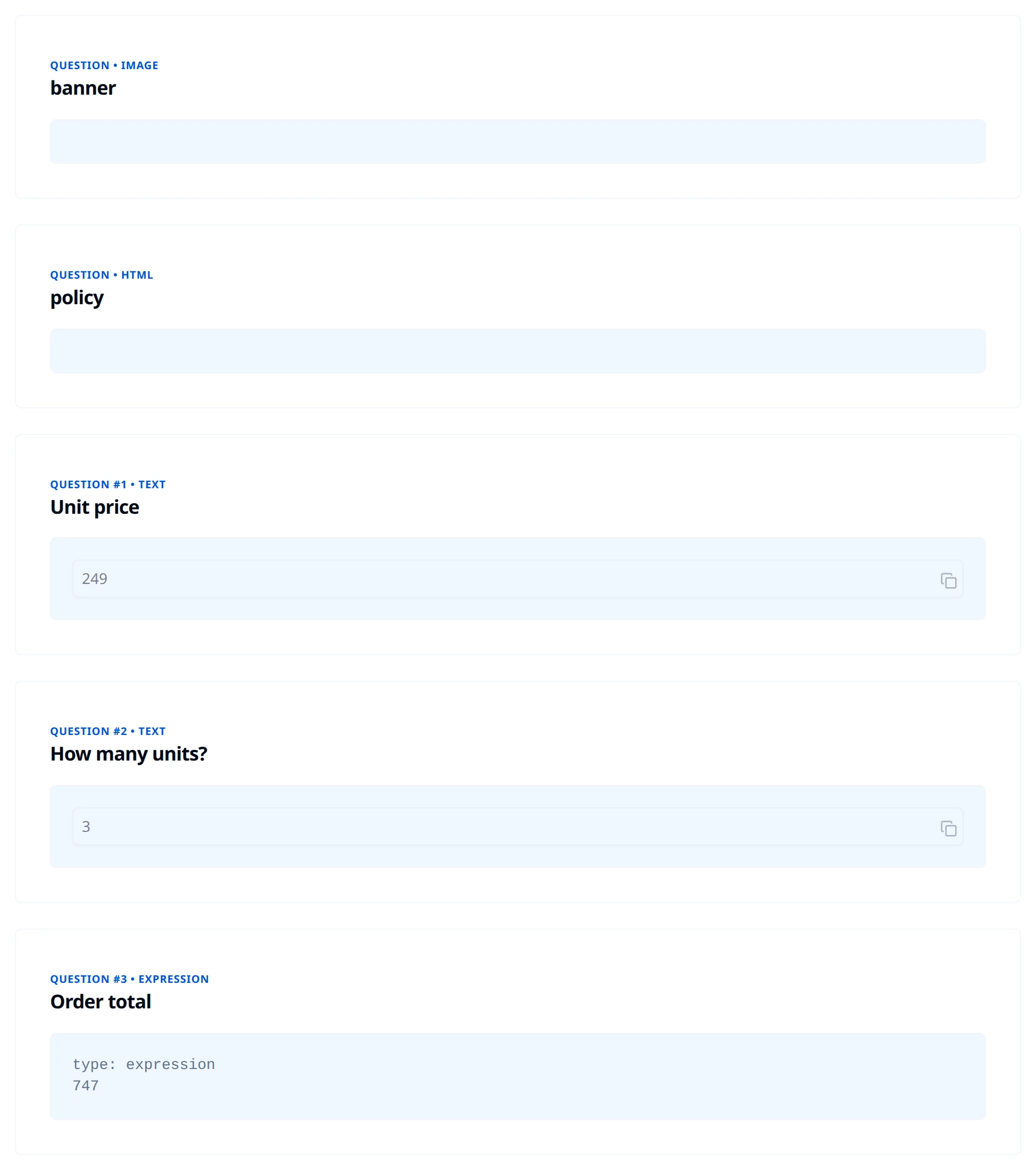
Copy JSON at the top of the page copies the whole submission record to your clipboard. The answers sit in its jsonData field, and they are the clearest way to see the split:
{
  "unitPrice": 249,
  "quantity": 3,
  "orderTotal": 747,
  "justification": "Replacing three laptops that are out of warranty."
}
The image and the HTML block are not keys at all. orderTotal is, and it holds the unformatted number.