Matrix Questions
A matrix asks the same thing about several subjects at once, as a grid instead of a run of near-identical questions. Endatix Hub has three matrix question types, and they differ in who supplies the rows and how much each column can hold.
| Question type | Rows come from | Each row collects | Typical use |
|---|---|---|---|
| Single-Select Matrix | You, in the Form Builder | One choice from a scale shared by every row | Agreement or satisfaction scales |
| Multi-Select Matrix | You, in the Form Builder | One answer per column, each column its own input | Comparing a few items on several attributes |
| Dynamic Matrix | The respondent, one row at a time | One answer per column, each column its own input | Lists whose length you cannot know up front |
All three sit together in the Toolbox:
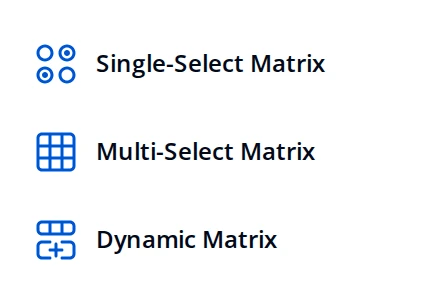

Single-Select Matrix
Single-Select Matrix is the Likert-style grid: rows are statements, columns are one shared scale, and the respondent picks one column per row. Rows and columns are separate Property Grid pages, each with its own value and display text.
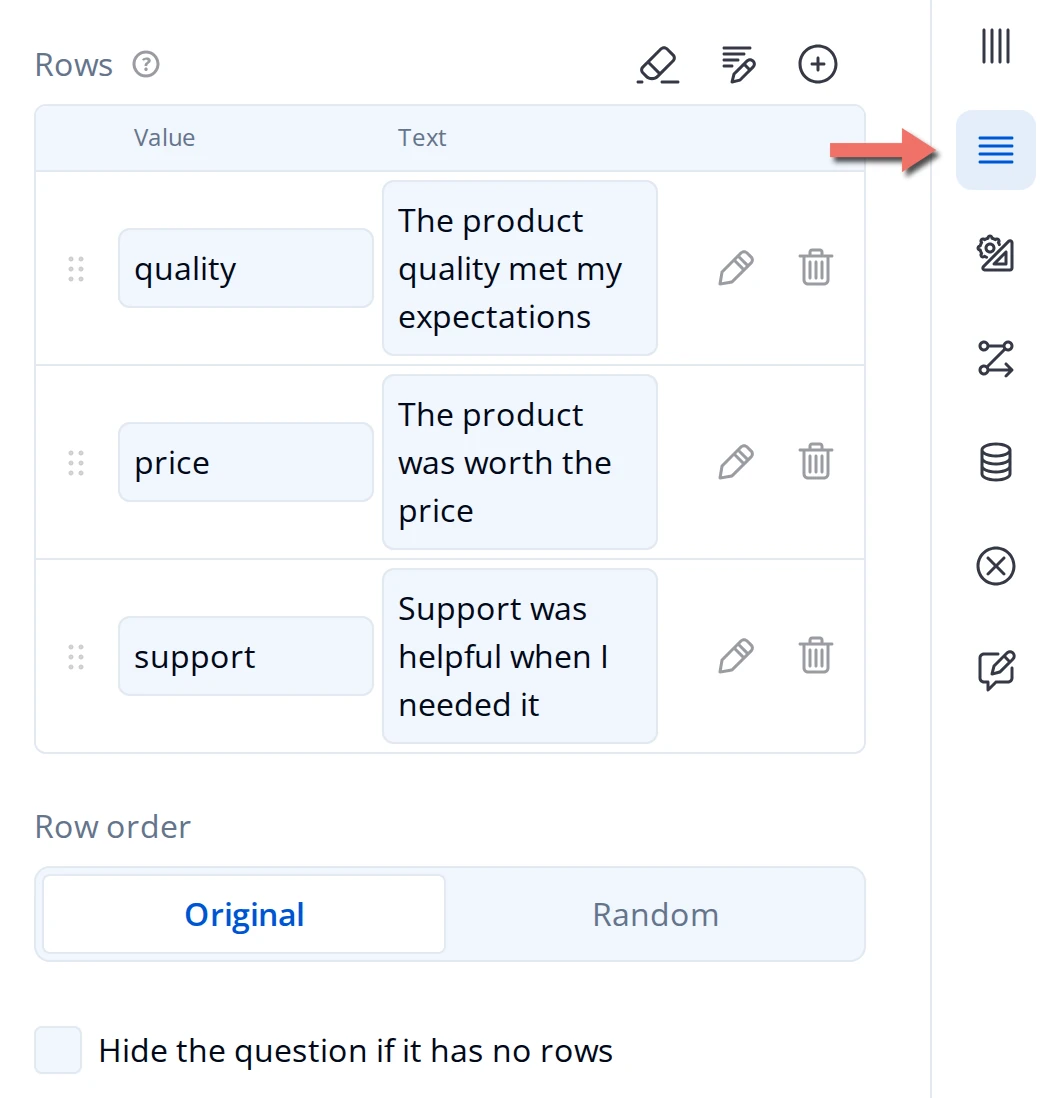
- Rows and Columns each hold a Value (the ID stored with the submission and used in logic) and a Text (what the respondent reads). Change the text freely later; changing a value breaks any rule that references it.
- Row order is Original or Random. Randomizing guards against the respondent settling into a pattern down the grid.
- Hide the question if it has no rows removes the whole question when its row list ends up empty, which matters when rows are sourced from somewhere else rather than typed in.
- Cell input type, on the General page, is Radio buttons (one column per row, the default) or Checkboxes (several columns per row).
- Open a row's Show Details to reach its Make the row visible if and Make the row editable if conditions, plus its Image.
Two rules on the Validation page apply to the grid as a whole: Require an answer in each row blocks submission until every visible row is answered, and Prevent duplicate responses in rows stops the respondent from giving two rows the same answer, which is how you force a ranking out of a scale.
Require an answer in each row covers every row or none. To make one row conditional, hide it with Make the row visible if rather than trying to require it on its own.
The Layout page carries the table's own appearance: Show column headers, Alternate row colors, Minimum column width, Row header width, and Vertical alignment within cells.
Multi-Select Matrix
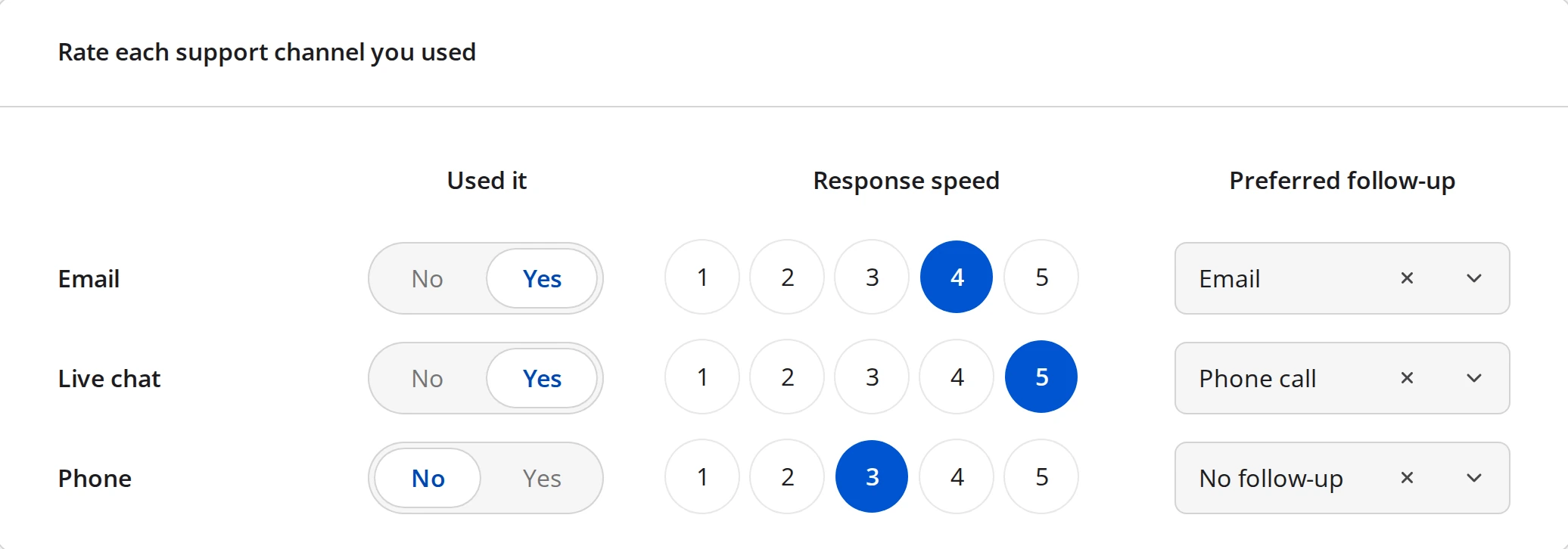
Multi-Select Matrix keeps the authored rows but turns each column into a question of its own. One row can therefore collect a toggle, a rating, and a dropdown side by side, rather than one value from one shared scale.
Open a column from the Columns page to set what it collects:
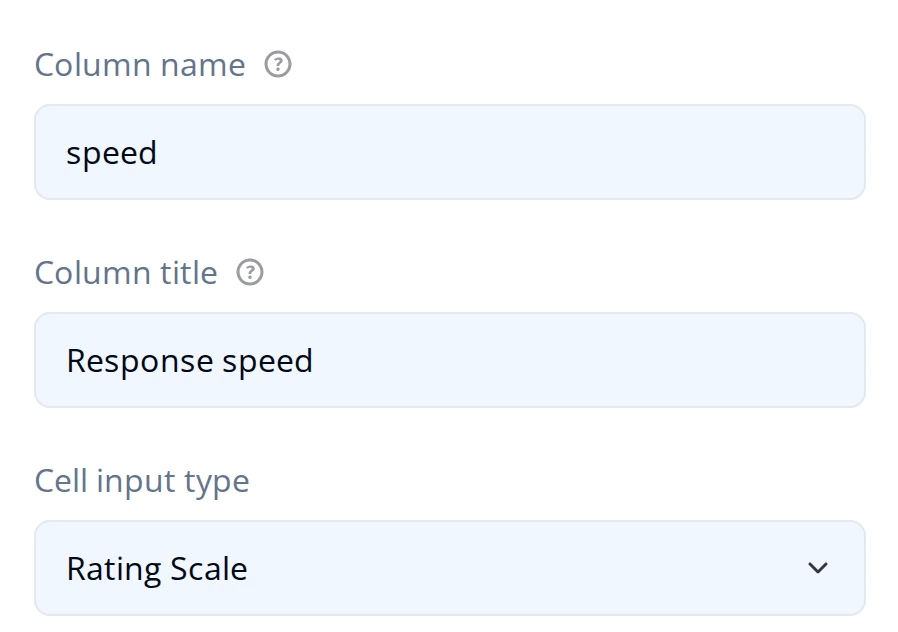
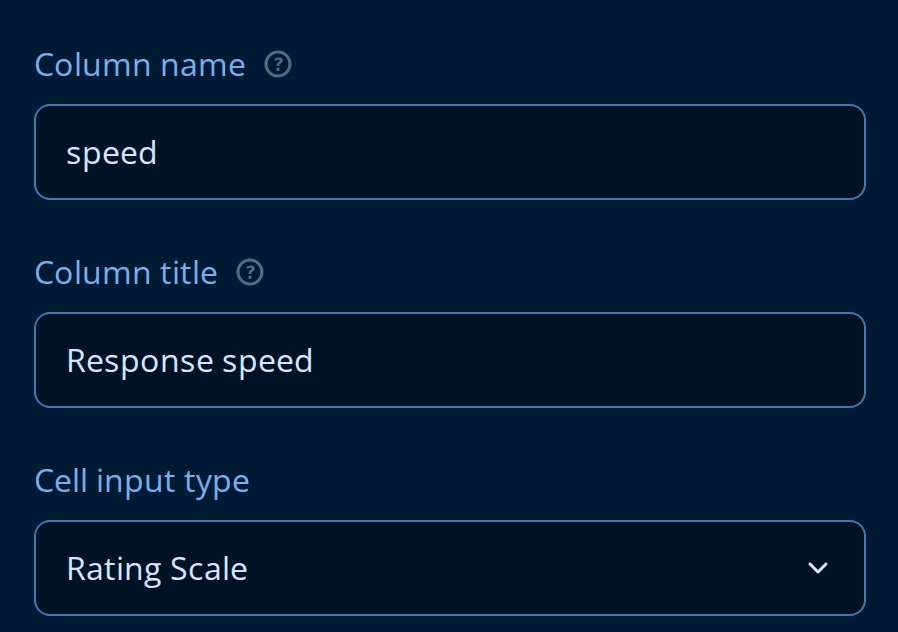
- Cell input type on the column is what that column renders - Rating Scale, Dropdown, Yes/No, a text box, and so on. The Cell input type on the question's General page is only the default that new columns inherit.
- Choice Options holds one Choices list shared by every column whose input type needs choices. A column that needs its own list overrides it with choices of its own.
- Total row header labels the totals row under the grid. That row only renders once at least one column has an Aggregation method or a Total value expression.
- Transpose rows to columns, on the Layout page, flips the grid when you have many columns and few rows.
Rows behave exactly as they do on a Single-Select Matrix: the same Rows table, Row order, and Hide the question if it has no rows.
Dynamic Matrix
Dynamic Matrix drops the authored row list. Columns are still yours, but the respondent adds and removes rows themselves, so there is no Rows page in the Property Grid at all - the row controls live on General instead.
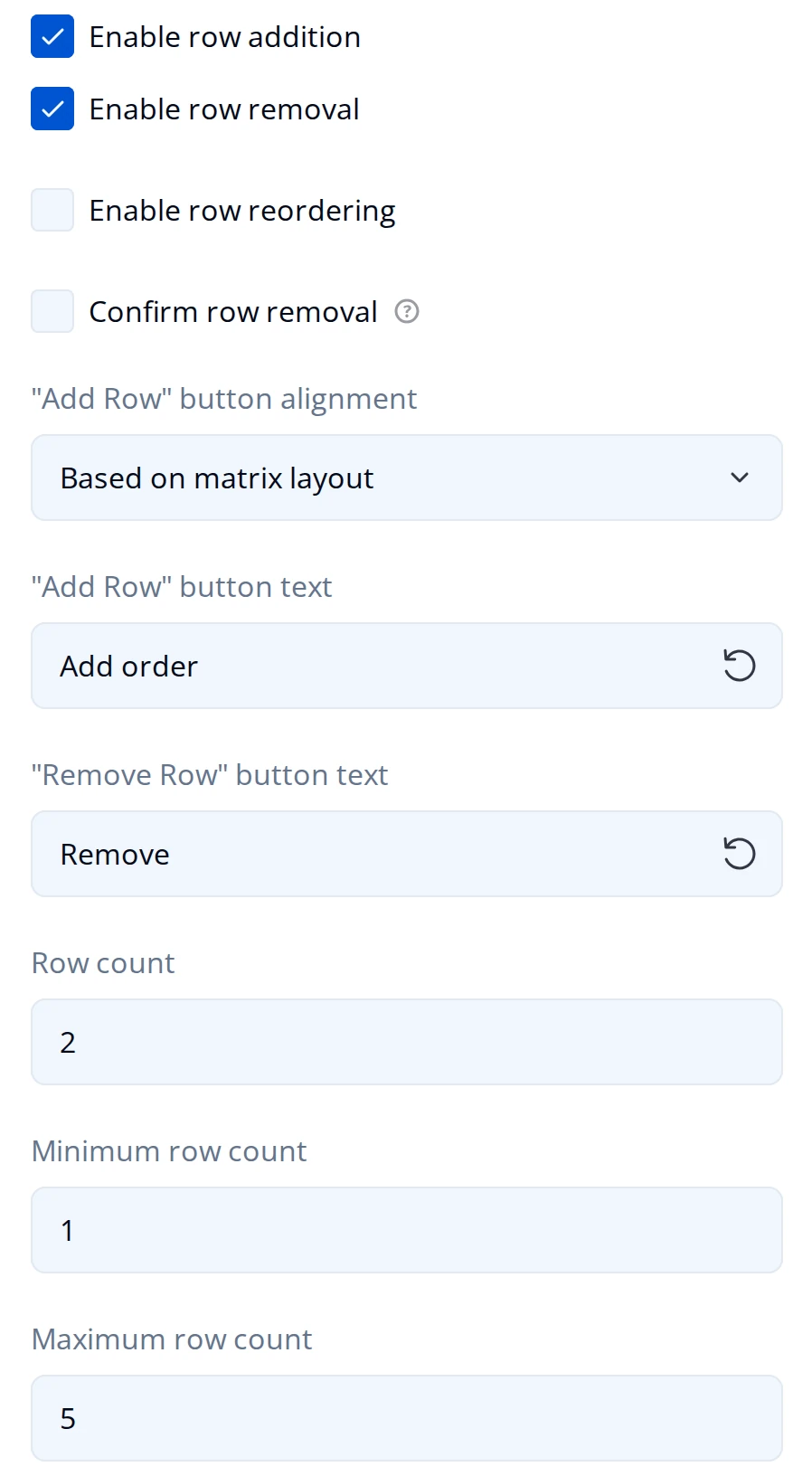
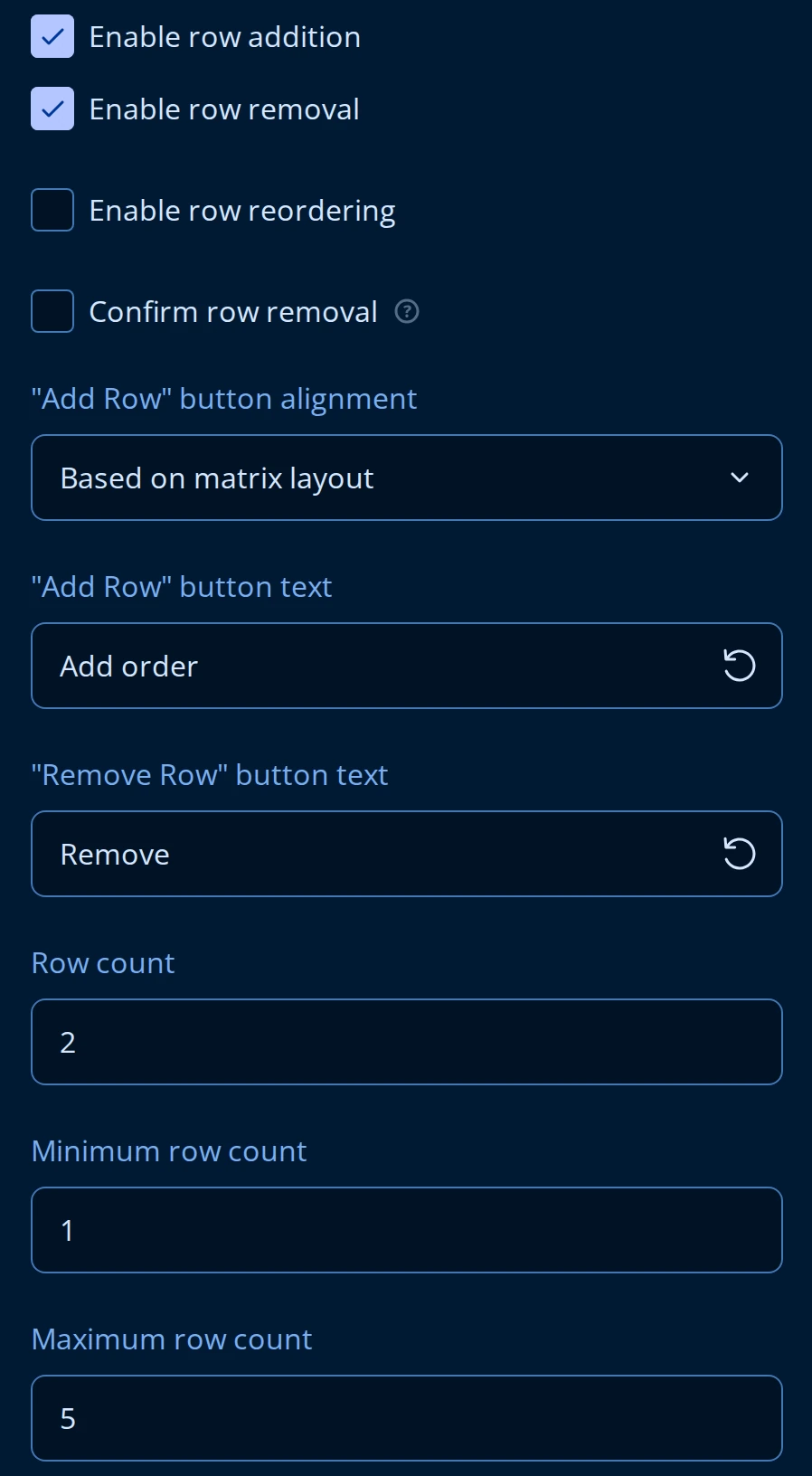
- Row count is how many empty rows the question opens with, 2 by default. Minimum row count and Maximum row count bound what the respondent can get to; the maximum starts at 1,000, which is effectively no limit until you lower it.
- Enable row addition and Enable row removal show or hide the add button and the per-row remove icon. Turning both off leaves a fixed grid of Row count rows. Enable row reordering lets the respondent drag rows into a different order.
- Confirm row removal puts a prompt in front of the remove icon, worth turning on when a row holds more than a couple of fields.
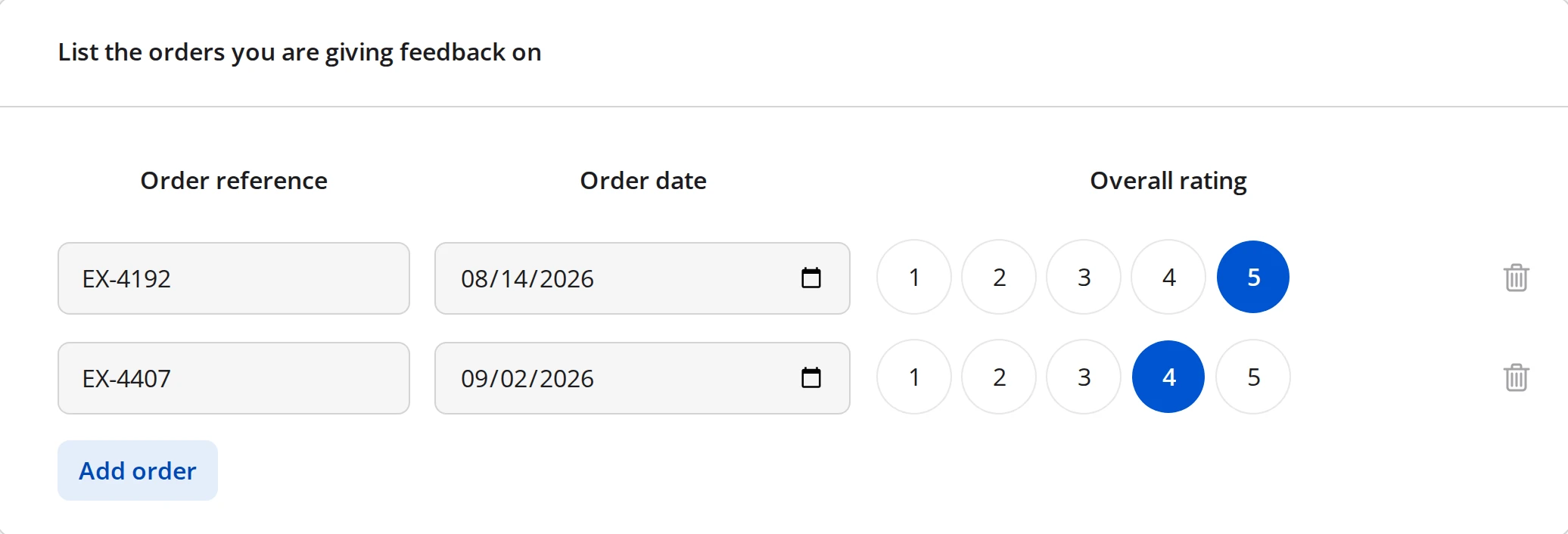
- "Add Row" button text and "Remove Row" button text replace the generic labels with something the respondent recognizes, like
Add order. "Add Row" button alignment places the button. - Prevent duplicate responses in the following column, on the Validation page, names one column that has to be unique across rows - an order reference or an email address, for example.
Hide columns if there are no rows, on the Columns page, drops the header row while the grid is empty so the question does not open as a bare set of labels.
Presentation: grid or carousel
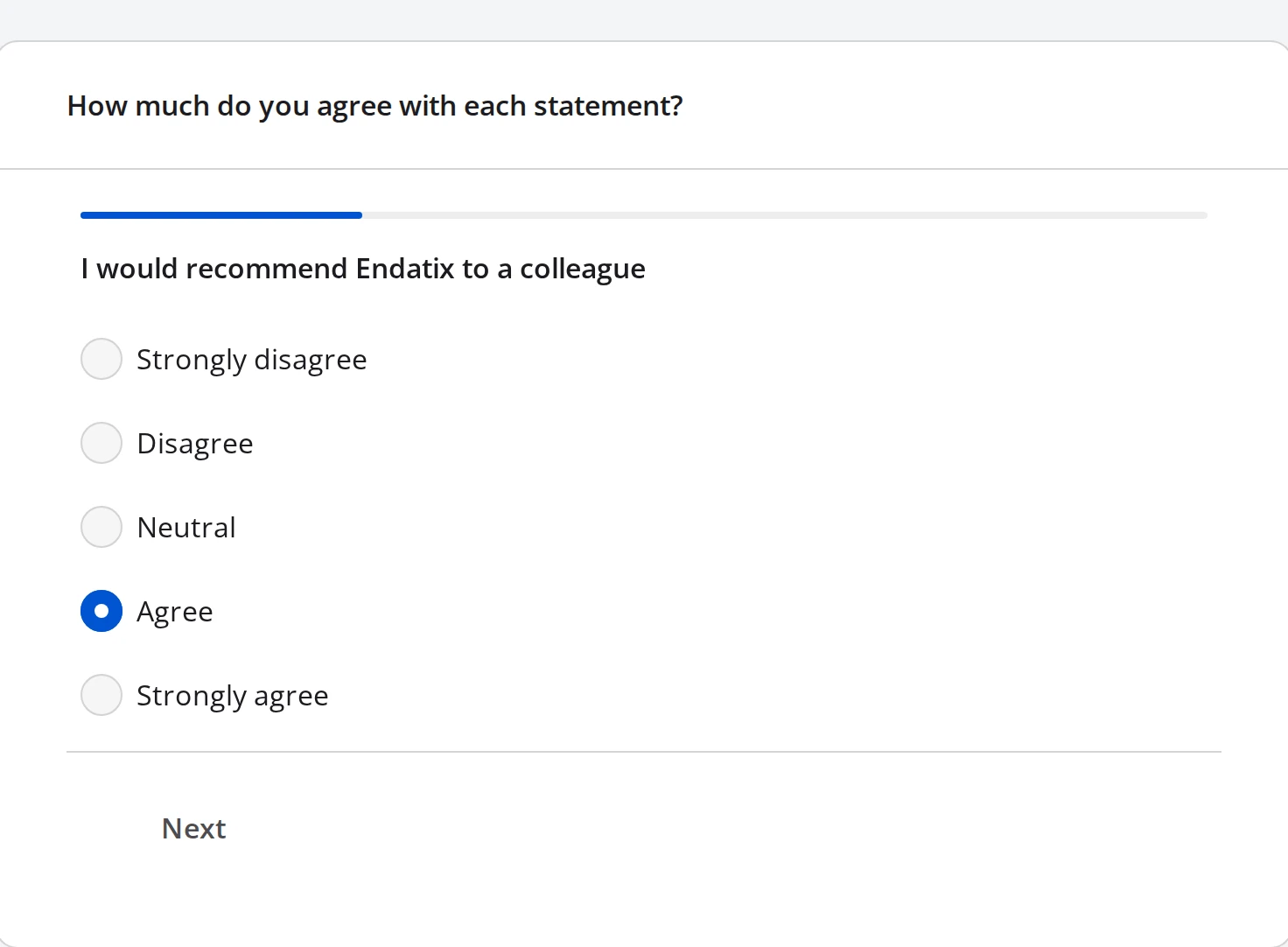
A Single-Select Matrix can render as the table above, or one statement per screen. That second mode is the Matrix Carousel, and Presentation on the General page switches between the two. The scale stays identical either way - only the layout changes.
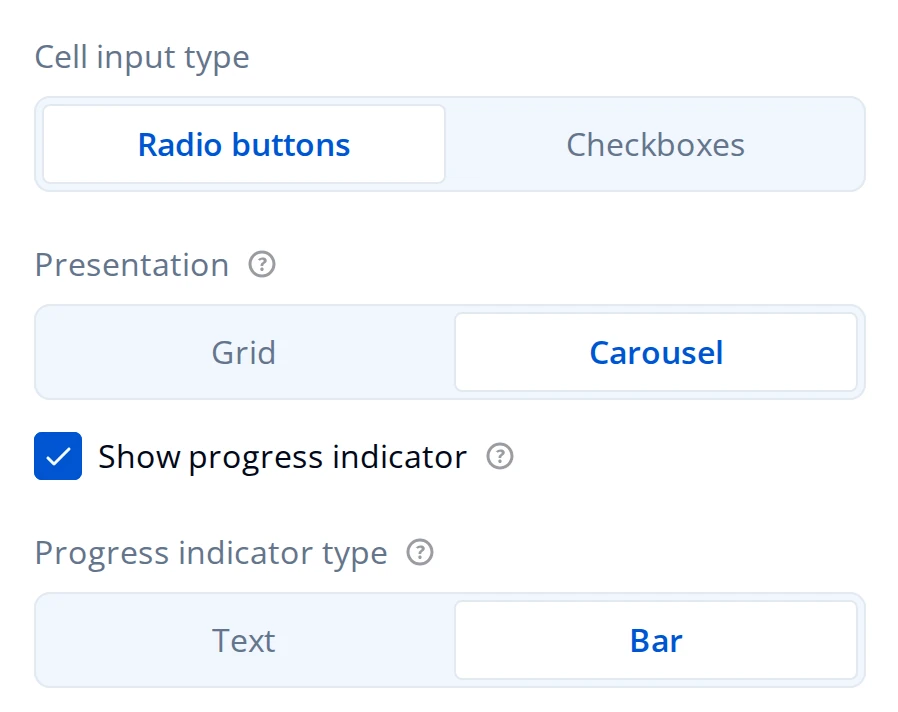
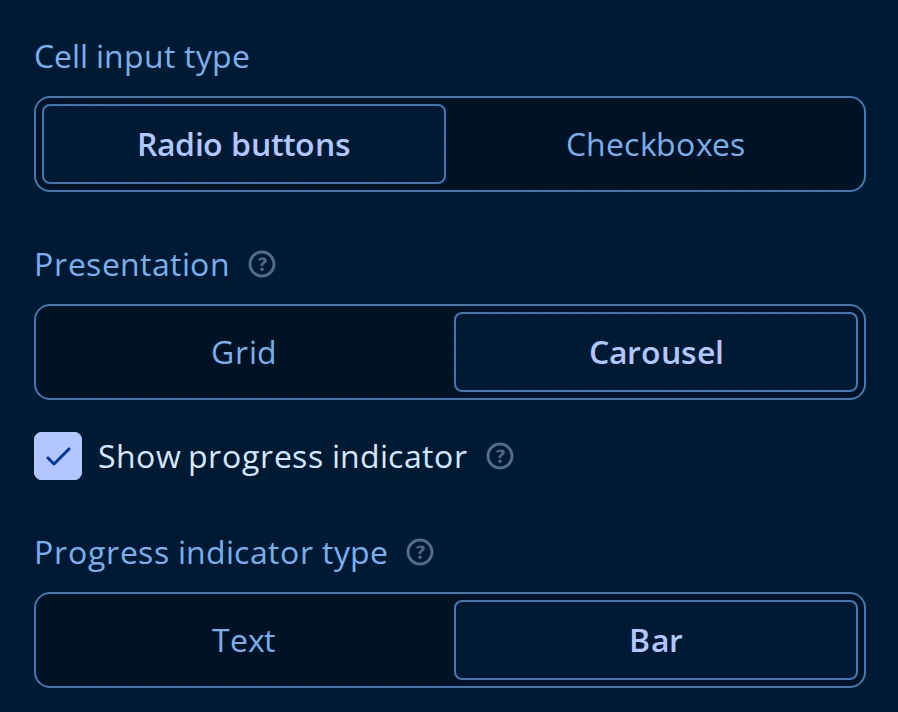
- Presentation is Grid (the default) or Carousel. Switching does not restructure rows or columns, so you can move an existing matrix either direction and move it back.
- Show progress indicator puts a position marker above the statement. Progress indicator type makes it Text ("1 of 4") or a Bar.
- In Carousel mode the respondent moves with Back and Next buttons, and by swiping on a touch device. Both are always available and neither is a setting.
- The table-only Layout settings - Show column headers, Alternate row colors, Minimum column width, and Vertical alignment within cells - disappear while Presentation is Carousel, because a carousel has no table to apply them to.
- A row's Image, set under its Show Details, is shown above the statement in Carousel mode. Grid mode ignores it.
Sourcing carousel rows from another question
In Carousel mode the Rows page gains Carry forward from other questions, which builds the row list out of another question's choices instead of the rows you typed. Enabling it reveals four more settings:
- Copy rows from questions names one or more earlier choice questions to pull from.
- Which rows to include takes All, Selected, or Unselected choices from those questions.
- Priority items pins particular choices to the front of the list.
- Maximum number of rows caps how many non-priority rows come through;
0means no cap.
These are the same settings, with the same behavior, that Carry Forward exposes on choice questions. Rows resync whenever a source question's value or choices change.
Row order set to Random shuffles the whole row list, so rows named in Priority items do not stay at the front. Pick one or the other.
Turning Carry forward from other questions on replaces the rows you authored rather than adding to them.
What respondents see
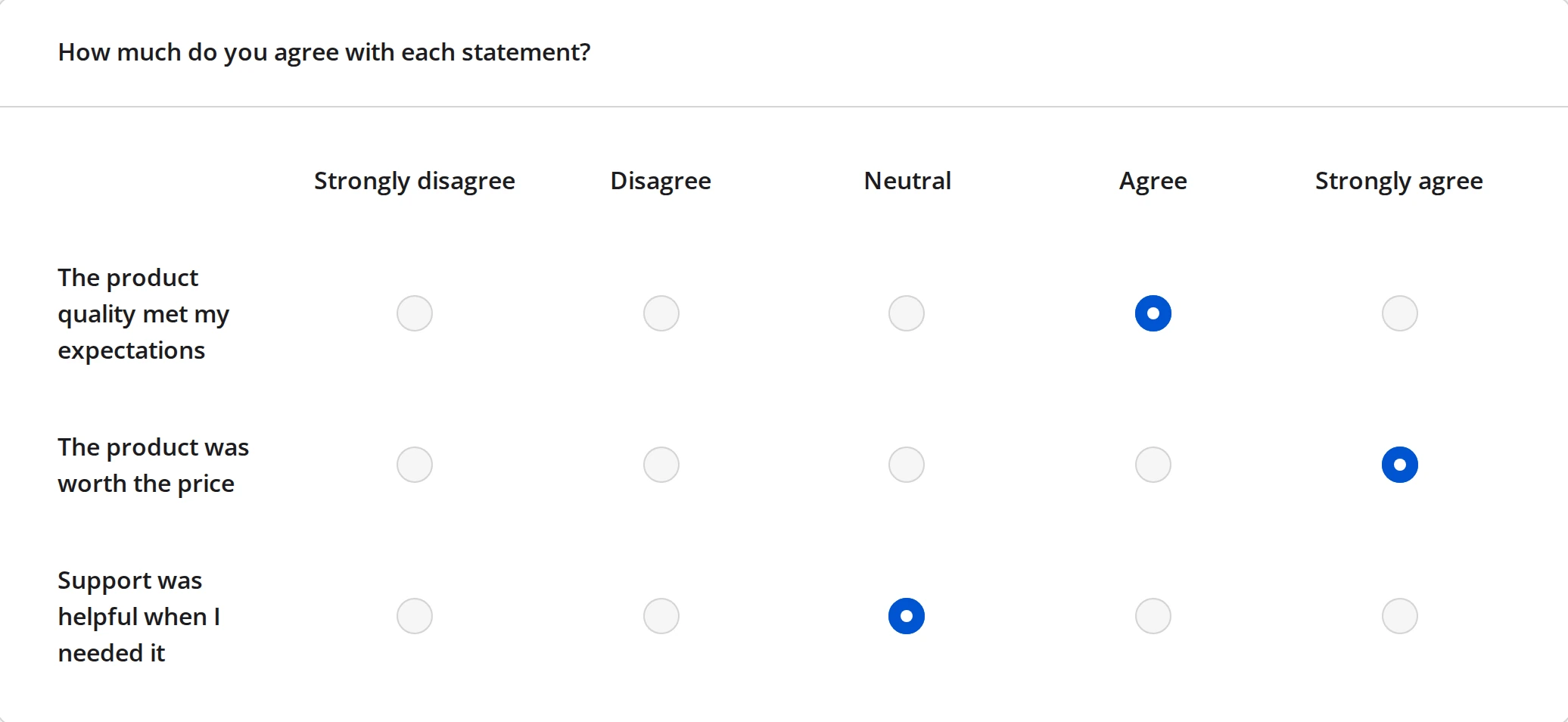
A Single-Select Matrix: three statements against one shared agreement scale, one answer per row.
A Multi-Select Matrix: the same three rows, but each column renders its own input - a Yes/No toggle, a rating, and a dropdown.
A Dynamic Matrix: two rows the respondent added, each with a remove icon, under an Add order button.
The same Single-Select Matrix in Carousel mode: one statement, the shared scale, a progress bar, and a Next button.