Embedding a Form
An embedded form runs inside a page you own instead of on an Endatix URL. Respondents answer without leaving your site, and their answers land in the same Submissions list as answers from the share link.
Endatix gives you one <script> tag for this. It puts the form where the tag sits and keeps the form's height in sync as respondents move through it.
Before you start
The form has to be Enabled, and for anyone outside your workspace it has to be Public. Both live on Form Overview - see Visibility (Public / Private).
Copy the embed code
- Open the form from the Forms list.
- Choose Share.


- Open the Embed code tab.
- Pick a height mode - Auto-resize or Fill container. The snippet below the options rewrites itself as you switch.
- Use the copy button at the top right of the snippet box. A Copied to clipboard toast confirms it.
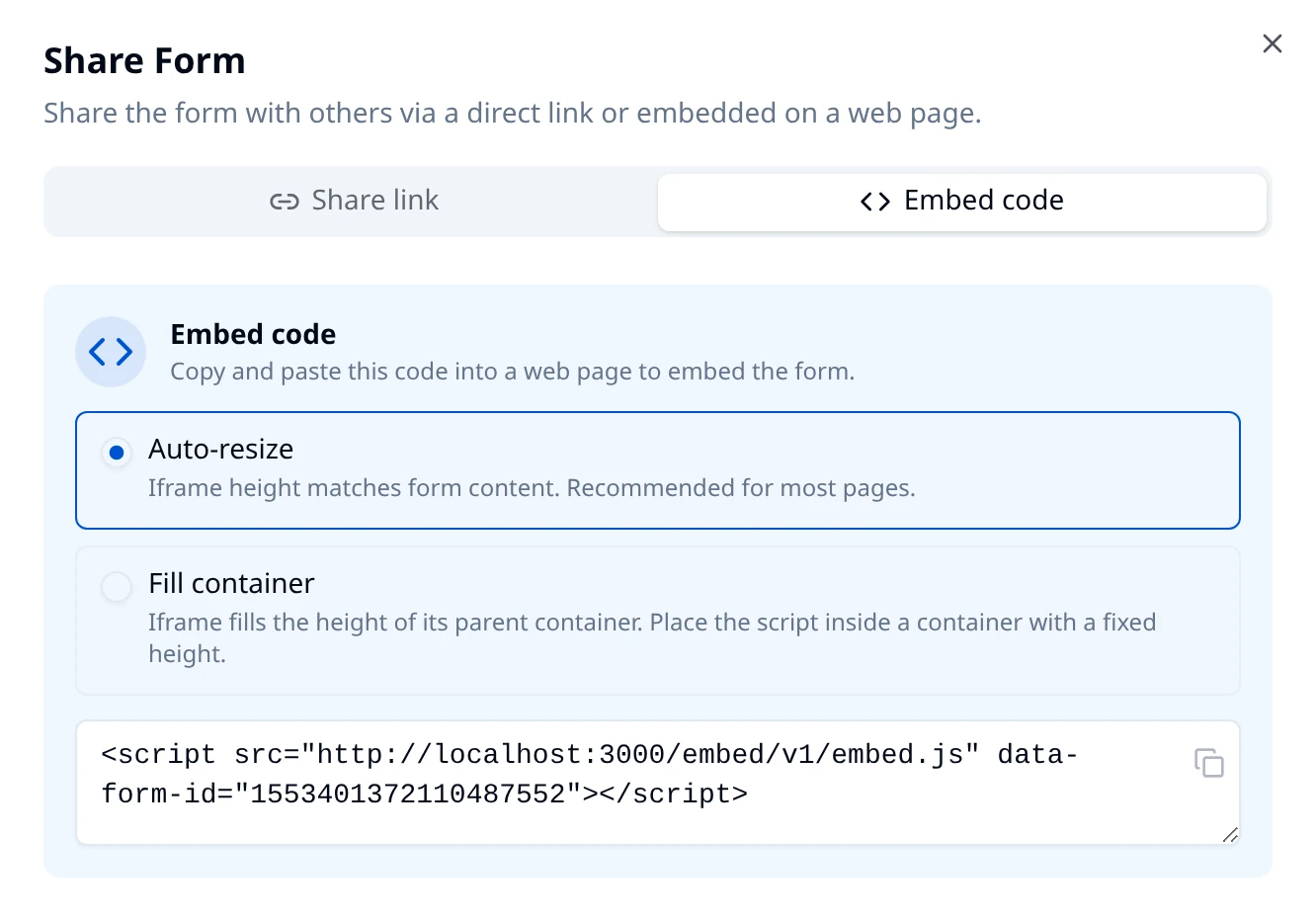
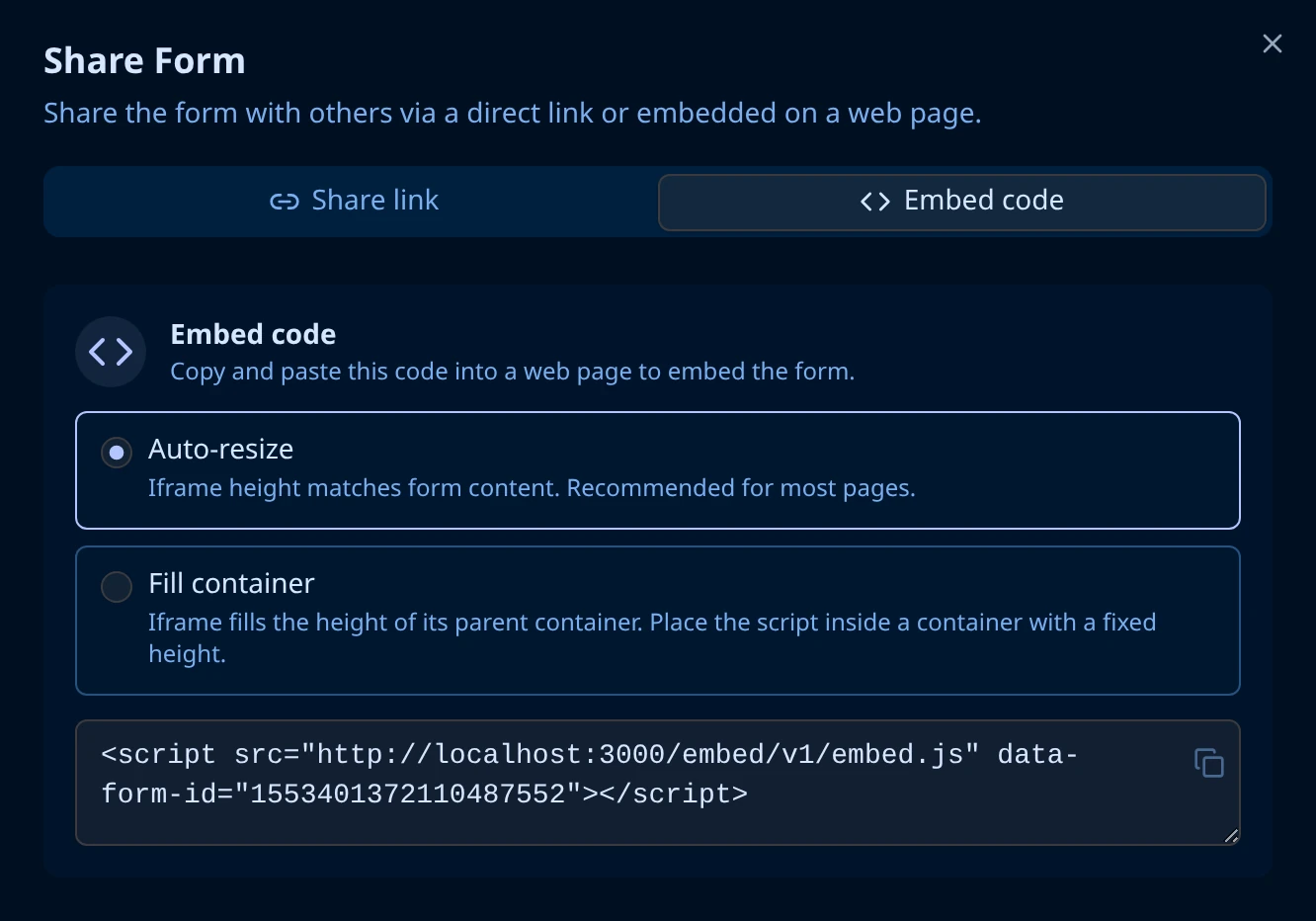
Hub generates it as one line; wrapped for readability it is:
<script
  src="https://your-hub.example.com/embed/v1/embed.js"
  data-form-id="1553401372110487552"
></script>
data-form-id is this form's id, the same id that ends the share link. Each snippet carries one form id, and several embedded forms can share a page without interfering with each other.
Paste it into your page
Put the snippet in your page's HTML where the form should appear. The form takes the script tag's place in the layout, so whatever is above the tag stays above the form and whatever is below stays below.
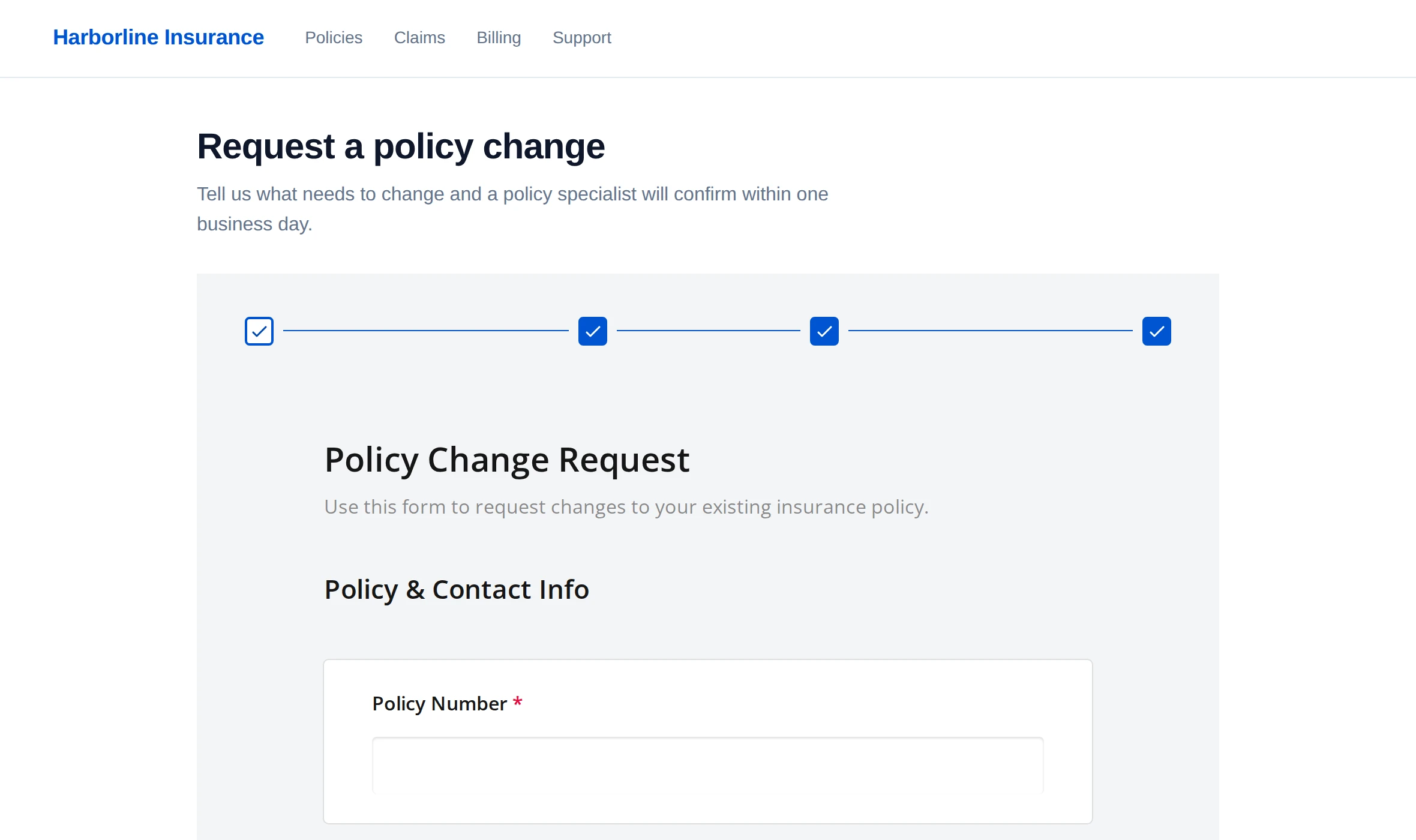
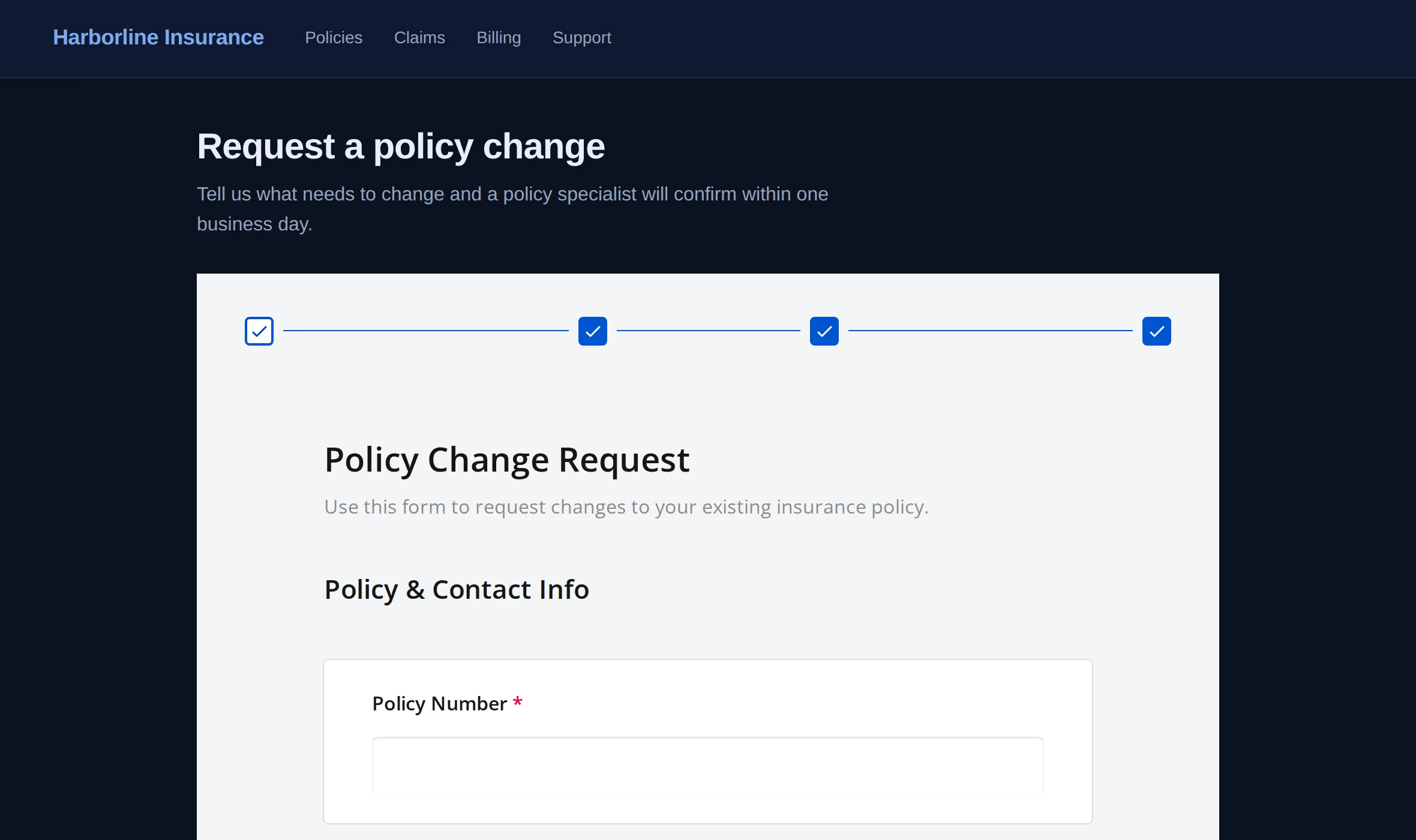
Two things follow from how the embed works:
- The form keeps its own look. It renders with the theme set in the form builder, not with your page's CSS. Your page controls where the form sits and how wide it is; the form controls everything inside that box. The screenshot above shows a dark page hosting a light form for exactly that reason.
- The respondent never navigates away. The address bar keeps showing your page, before and after they submit.
If your site runs on a CMS or a page builder, paste the snippet into a custom HTML or code block. A rich-text field usually strips <script> tags, and then nothing appears.
Choose a height mode
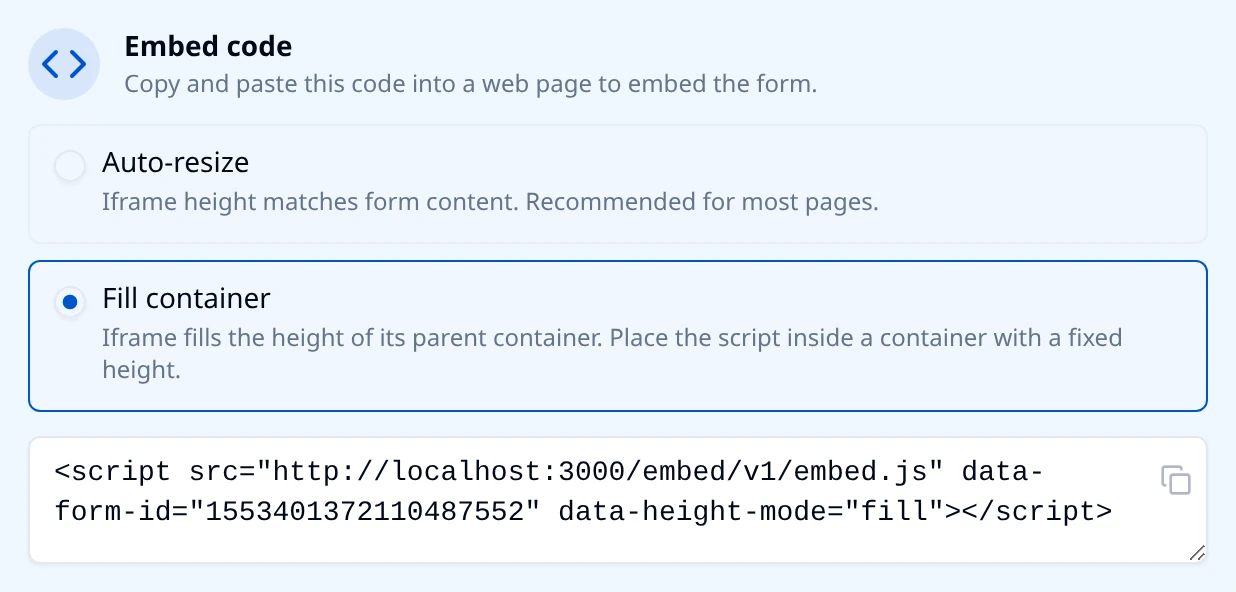
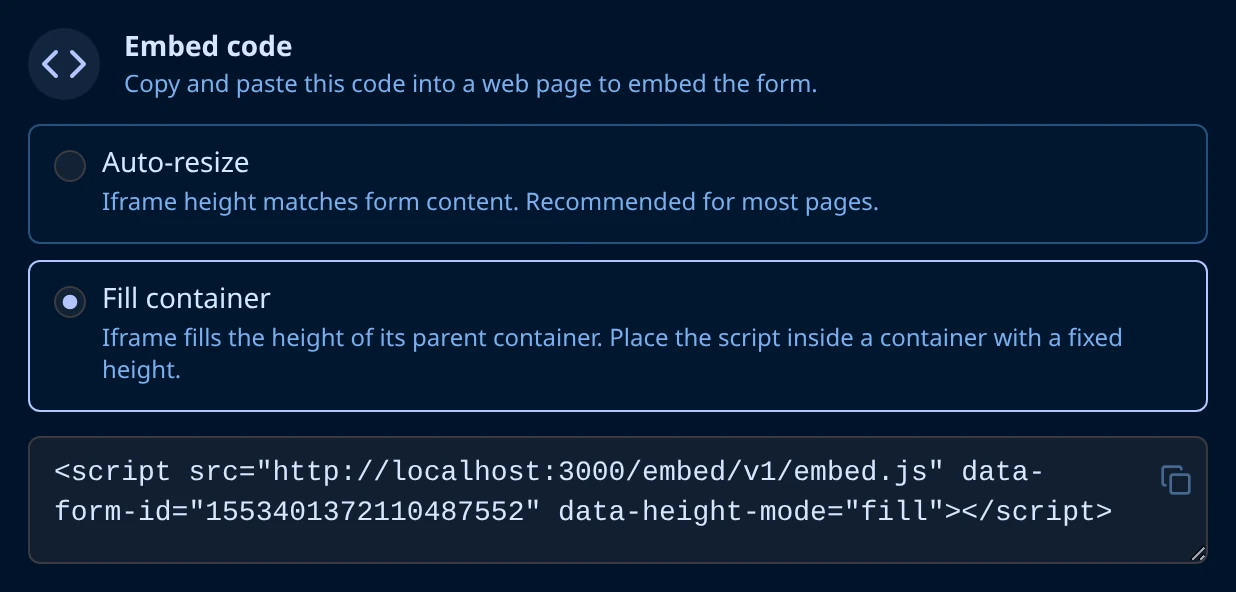
Auto-resize is the default and the right answer for most pages. The form's frame grows and shrinks with the form itself, so a long page of questions makes your page taller and your page's own scrollbar does the scrolling. The form never gets its own inner scrollbar.
Fill container makes the form take the full height of the element it sits in. Use it for a full-height panel, a modal body, or a page given over to the form. It adds one attribute:
<div style="height: 100vh">
  <script
    src="https://your-hub.example.com/embed/v1/embed.js"
    data-form-id="1553401372110487552"
    data-height-mode="fill"
  ></script>
</div>
The element around the snippet must resolve to an actual height. height: auto gives the form nothing to fill and it collapses to nothing. If the form is taller than the container, let the container scroll.
Personalize an embedded form
Query string variables work in an embed exactly as they do in a share link, but the URL the respondent opens is yours, not Endatix's, so Endatix cannot read the values from it. Pass them on the snippet instead:
<script
  src="https://your-hub.example.com/embed/v1/embed.js"
  data-form-id="1553401372110487552"
  data-prefill="first_name=Jordan&campaign=spring_launch"
></script>
data-prefill takes the same name=value pairs you would append to a share link, joined with &. Creating the variables and using them to prefill questions, drive logic, or pipe text is covered in Prefilling and Personalization.
To prefill from data your backend already holds, rather than from values written into the page, your developers can issue an access token and pass it as data-token: Form Prefilling and Sharing.
When the embed shows an error instead of the form
| What visitors see on your page | What to change |
|---|---|
| 404 - Survey not found | The form's Status is Disabled on Form Overview. Turn it back on. |
| 401 - Sign in required, with a Sign in link | The form is Private, so it asks every visitor to authenticate, and that sign-in happens inside the embedded frame. Make the form Public if respondents are not workspace users. |
| Nothing at all, no frame and no error | The <script> tag never reached the page. Check that you pasted it into an HTML block rather than a rich-text editor, and that data-form-id still matches the form. |
| Already Responded | The form caps each person at one response and this visitor has already used theirs. See One Response Per Person. |
A form that is cut off rather than erroring is a height-mode problem, not an access problem - see Choose a height mode.