One Response Per Person
Some forms only make sense once per person: an application, a registration, a vote, an annual declaration. Limit one per user on Form Overview enforces that. Once a signed-in respondent completes the form, Endatix stops them from starting another response.
The setting is also called one response per person in Hub's own dialogs and single submission in the API.
Limit one per user is permanent. There is no way to switch it back off later, and the form can never be made public again. Endatix locks it this way so that a set of responses collected under a one-per-person promise cannot quietly become something else.
What it needs
The form must be Private. Counting responses per person needs a signed-in identity, and a public form has none: everyone is an anonymous visitor. On a public form the switch is greyed out with the note This option is available only for private forms.
Set the form to Private first, then come back. See Visibility (Public / Private).
Turn it on
- Open the form from the Forms list to reach Form Overview.
- Find the Limit one per user row, below Visibility.
- Turn the switch on.
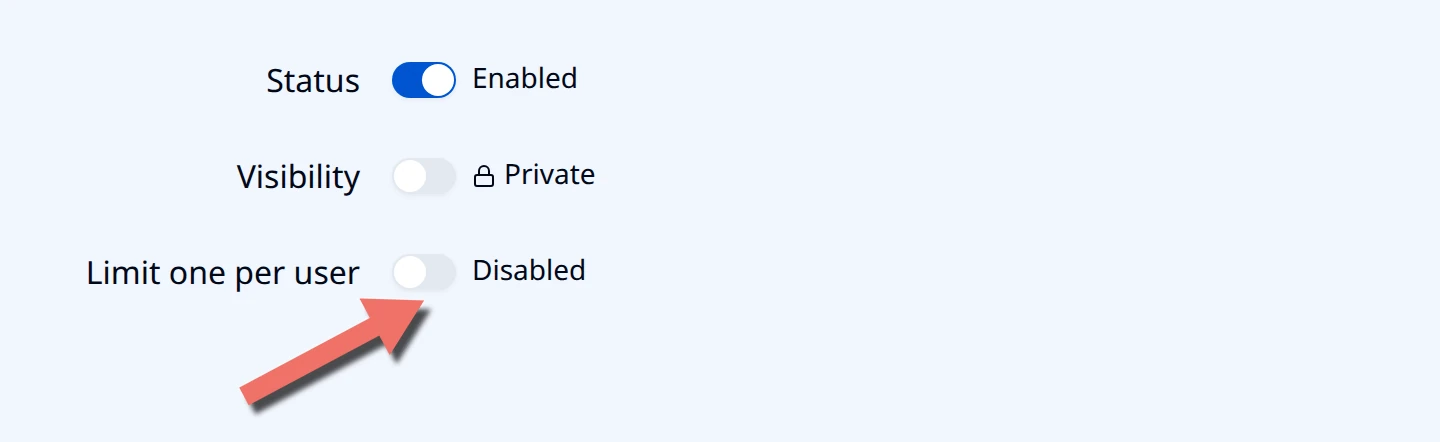
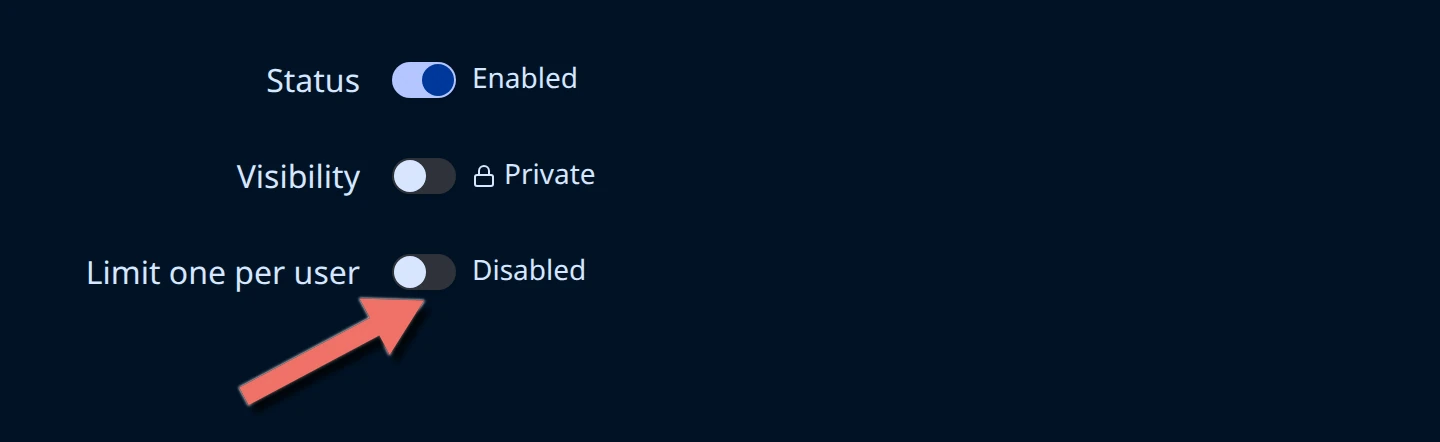
Hub asks you to confirm, and spells out both consequences before anything is saved.
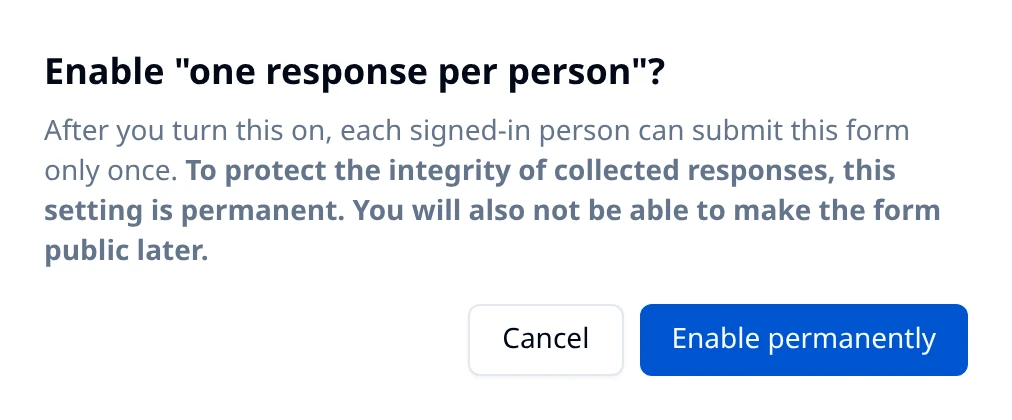
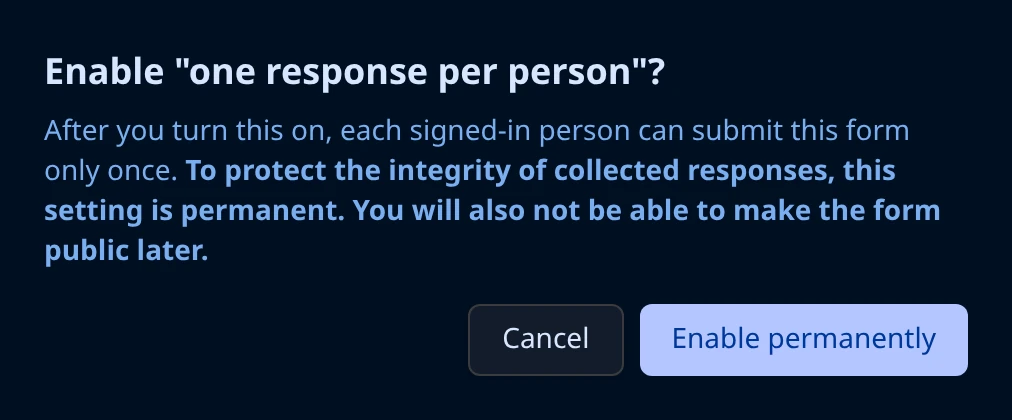
Choose Enable permanently. A toast confirms Single response per user is enabled. Choosing Cancel leaves the form exactly as it was.
What changes on the form
The Limit one per user switch now reads Enabled and is disabled, with the tooltip This setting is permanent once enabled.
Visibility is disabled too. Hovering it explains why:
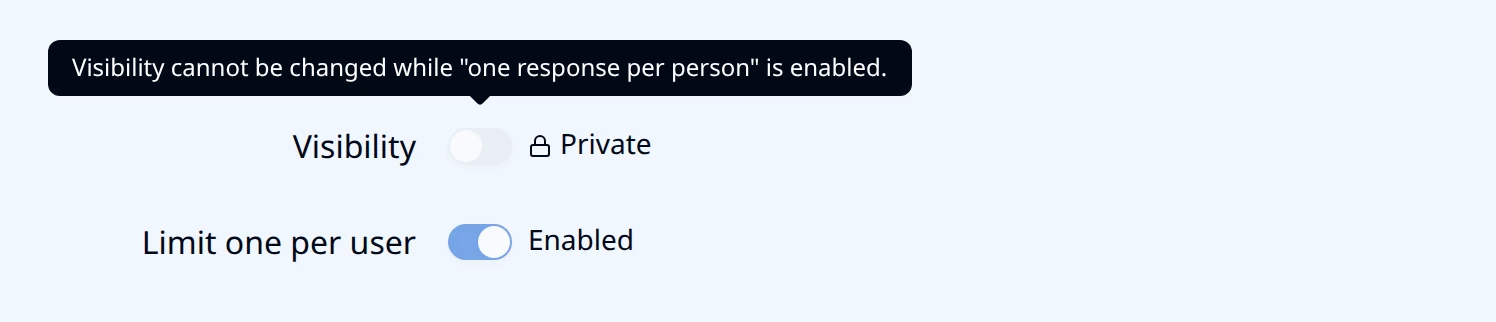
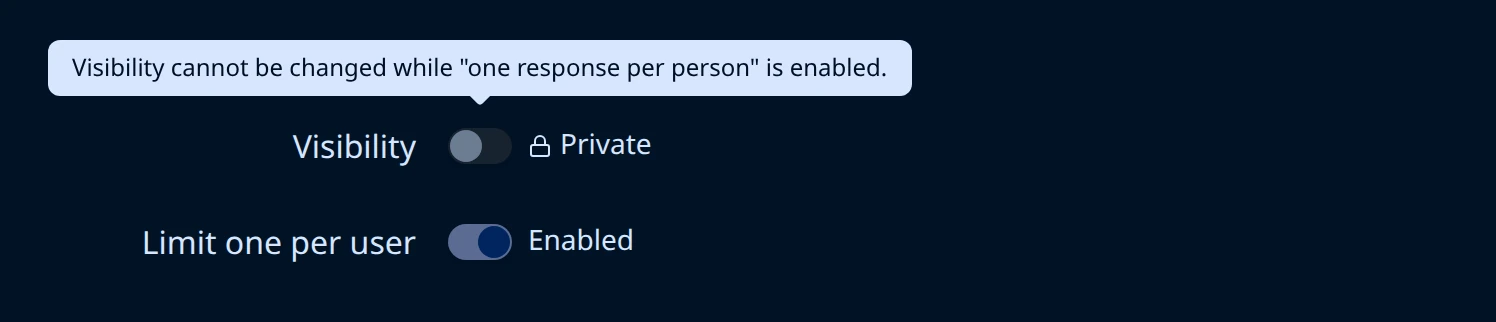
The form stays private for the rest of its life. Everything else about it stays editable: questions, logic, theme, webhooks, and the Status switch that opens and closes the form to new responses.
What respondents see
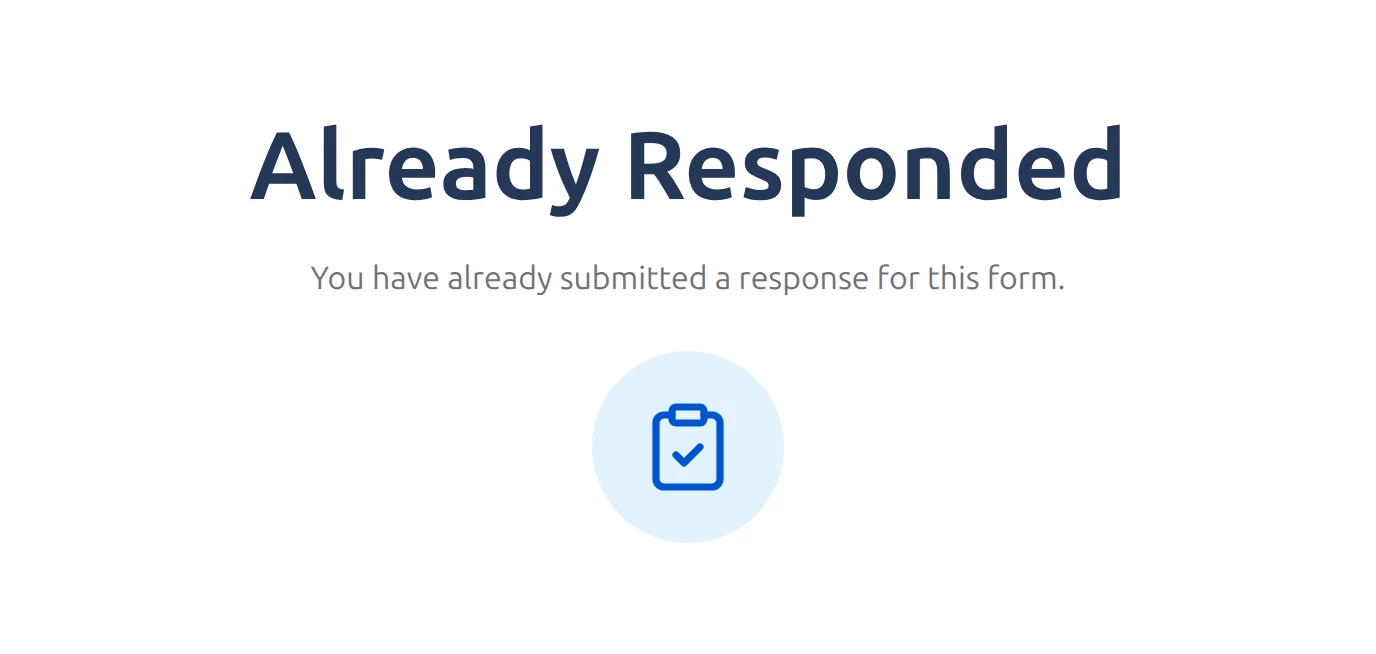
A respondent who has already completed the form gets this instead of the questions, whether they open the share link again or reload an embedded copy:
Write your own message
The default wording is generic. Replace it from the Metadata (JSON) field on Form Overview:
{
  "alreadyResponded": {
    "title": "Thanks, we have your application",
    "message": "Each student can submit this form once. Contact admissions if you need to change an answer."
  }
}
Choose Save metadata. Either key can be left out, and the default is used for whichever is missing. Give people a way forward in the message, because from their side the form is now a dead end.
Who is not blocked
The limit counts completed responses by a signed-in person, which leaves four cases open on purpose:
- Someone who started but has not finished. An incomplete response is still resumable. They can come back and finish it, and only the finished response counts.
- Anyone holding an access-token link. A link generated from a submission carries its own permission and opens that submission for editing. Use this when someone genuinely needs to correct an answer after submitting: Sharing Submissions.
- You and your team, while testing. Anyone who can test the form in Hub is treated as a tester, not a respondent: their responses are recorded as test submissions and never trip the limit. This means you cannot check the limit with your own Hub account. To see what a respondent sees, use an account that only has the Respondent role.
- A different person on the same device. The limit is tied to the signed-in account, not to the browser, the cookie, or the IP address. Two people sharing a laptop and signing in separately get one response each.
If Hub will not let you turn it on
| What Hub says | What it means |
|---|---|
| A single-submission form cannot be made public. | The form is still Public. Switch Visibility to Private first. |
| Cannot enable single submission gate because this form already has duplicate submissions. | Someone has already submitted this form more than once, so the limit would be a promise the existing responses break. Remove the extra responses from Submissions, or start a fresh form. |
| Single submission gate cannot be disabled after it has been enabled. | The setting is already on and cannot be turned off. If you need an unlimited version of the form, duplicate it and leave the limit off on the copy. |
Your own integrations hit the same rule: a second submission for the same person is rejected with 409 and A submission already exists for this user and form.