Sharing Submissions
Share Links turns one submission into a URL you can send to someone who has no Endatix account: a claims adjuster who needs to read an answer, a customer who needs to correct a typo, a colleague who wants the PDF. The link carries its own permission and stops working after a week.
This is the opposite direction from sharing a form, which gets a blank form to respondents. Here the response already exists and you are sending it out.
Open the dialog
Share Links sits in the ... menu, in two places: on any row of the Submissions grid, and in the top bar of Submission Details.
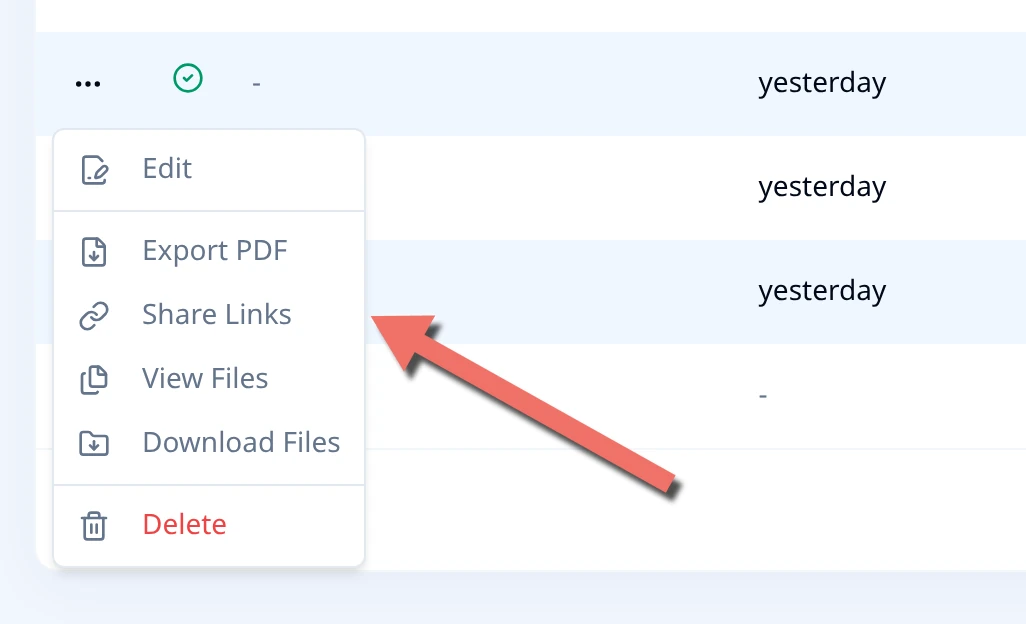
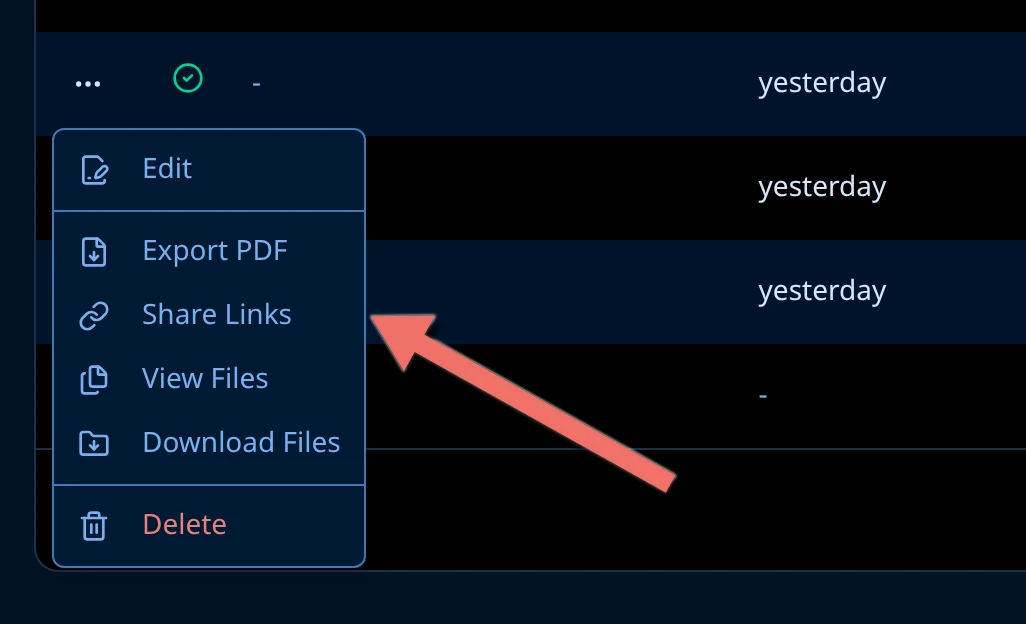
Choose what the link can do
One submission, four kinds of link. Pick one from General access, then choose Generate link.
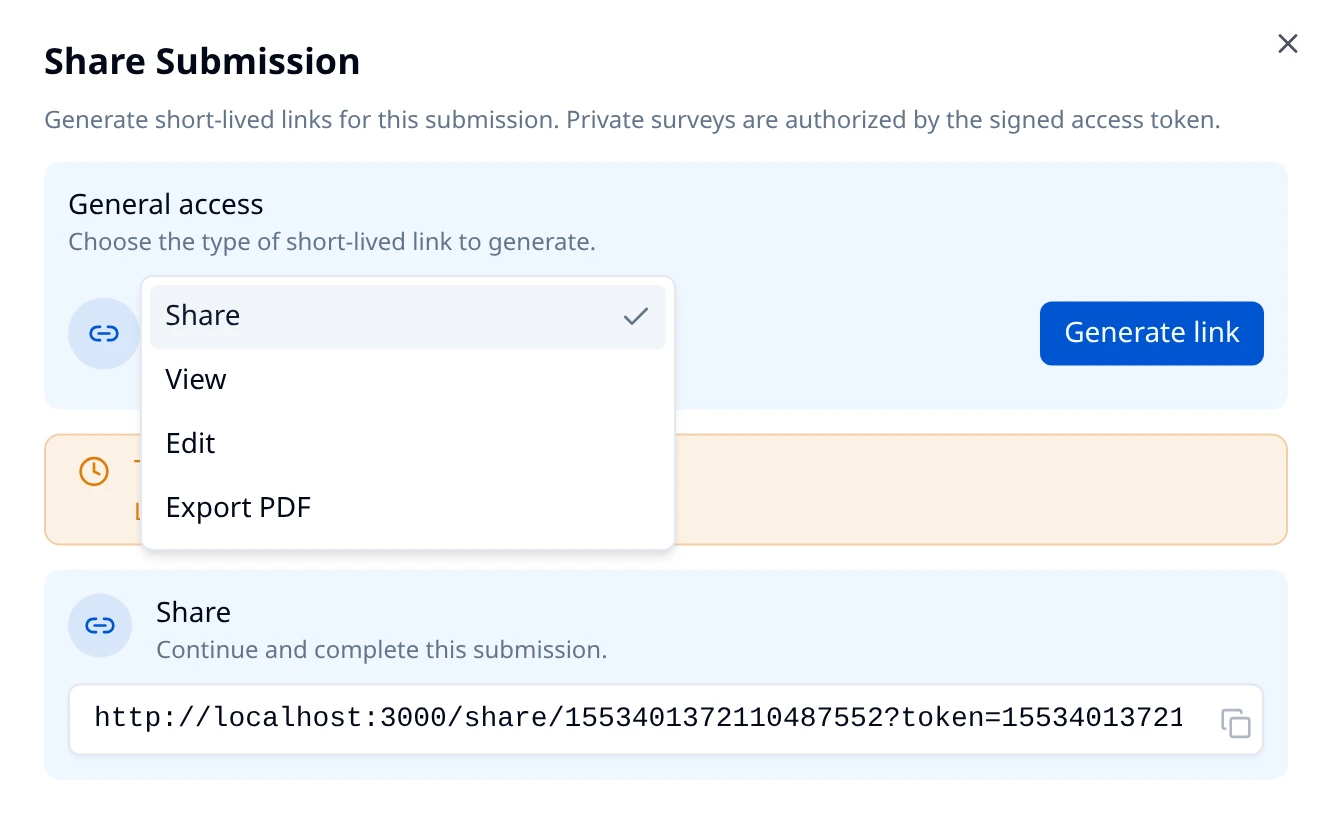
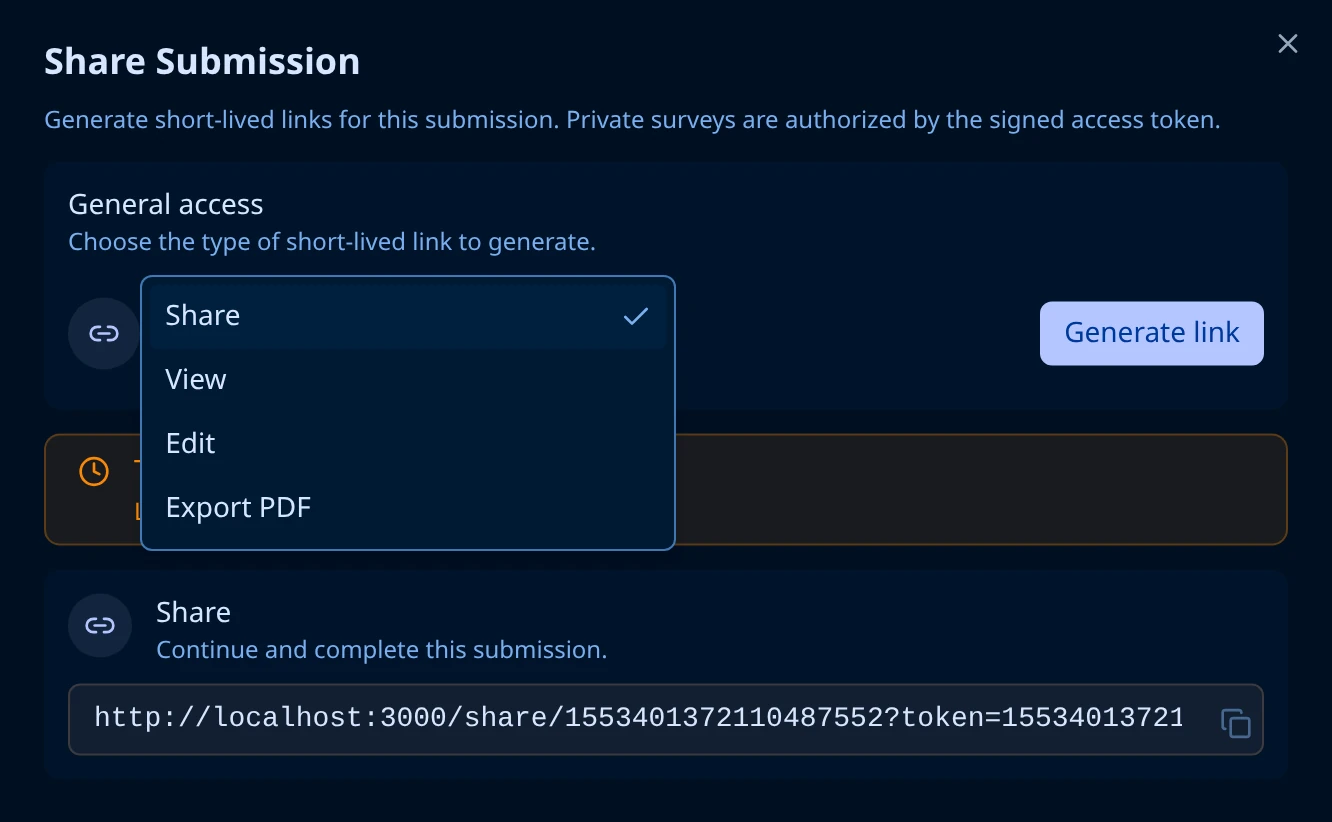
| Link | What the recipient gets | Opens |
|---|---|---|
| Share | Continues an unfinished response and submits it. The one to send when someone abandoned the form halfway. | /share/<formId> |
| View | The answers, read-only, with the submission's timestamps. No way to change anything. | /view/<formId> |
| Edit | The same page, editable, with Discard and Save Changes. | /edit/<formId> |
| Export PDF | A PDF download, named submission-<id>.pdf. No page opens. | /export-pdf/<formId> |
Each link does exactly its own job. An Edit link also reads, because editing requires it, but a View link cannot edit: following one to the edit page gives You don't have permission to edit this submission, and pointing one at the PDF download returns 403.
Switching the type after you have generated a link clears it. Generate again to get a link of the new type.
Copy the link
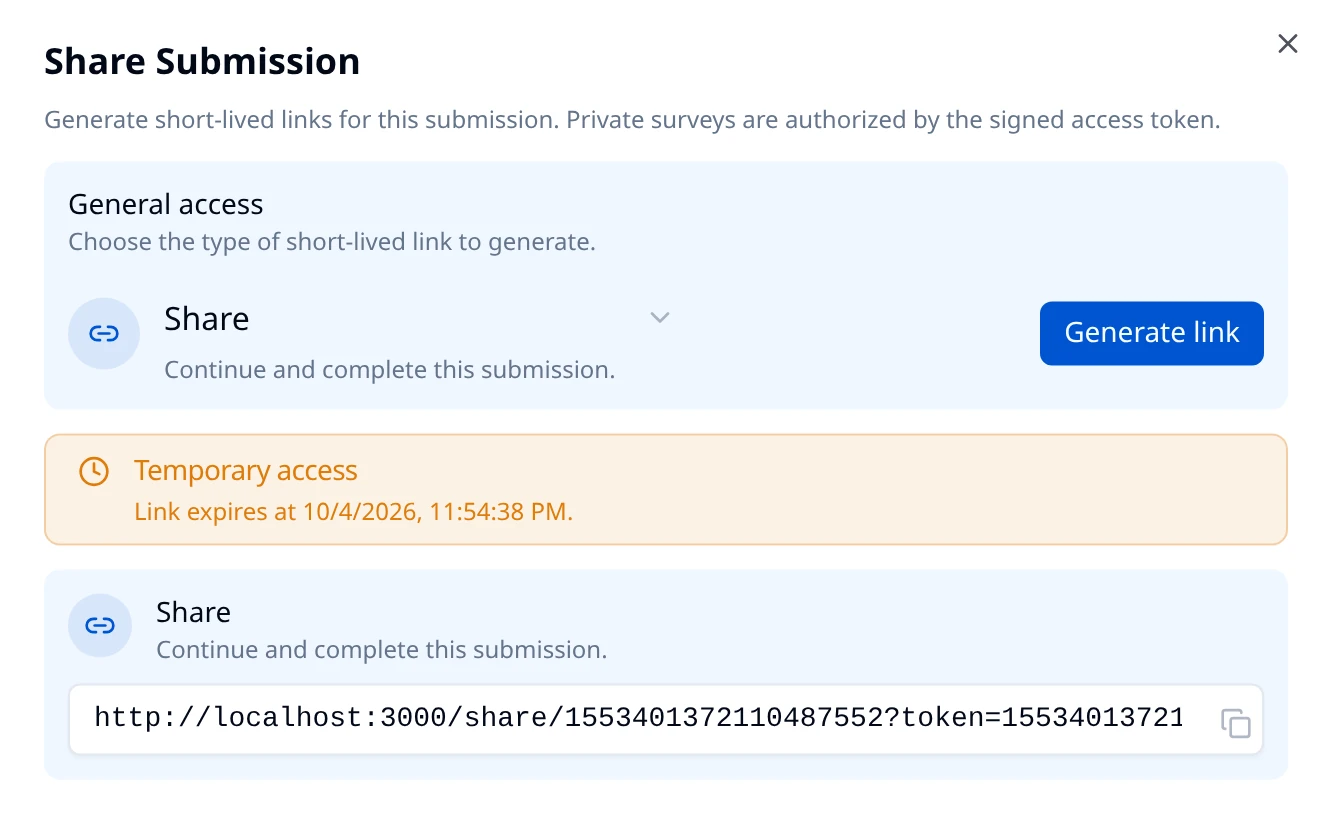
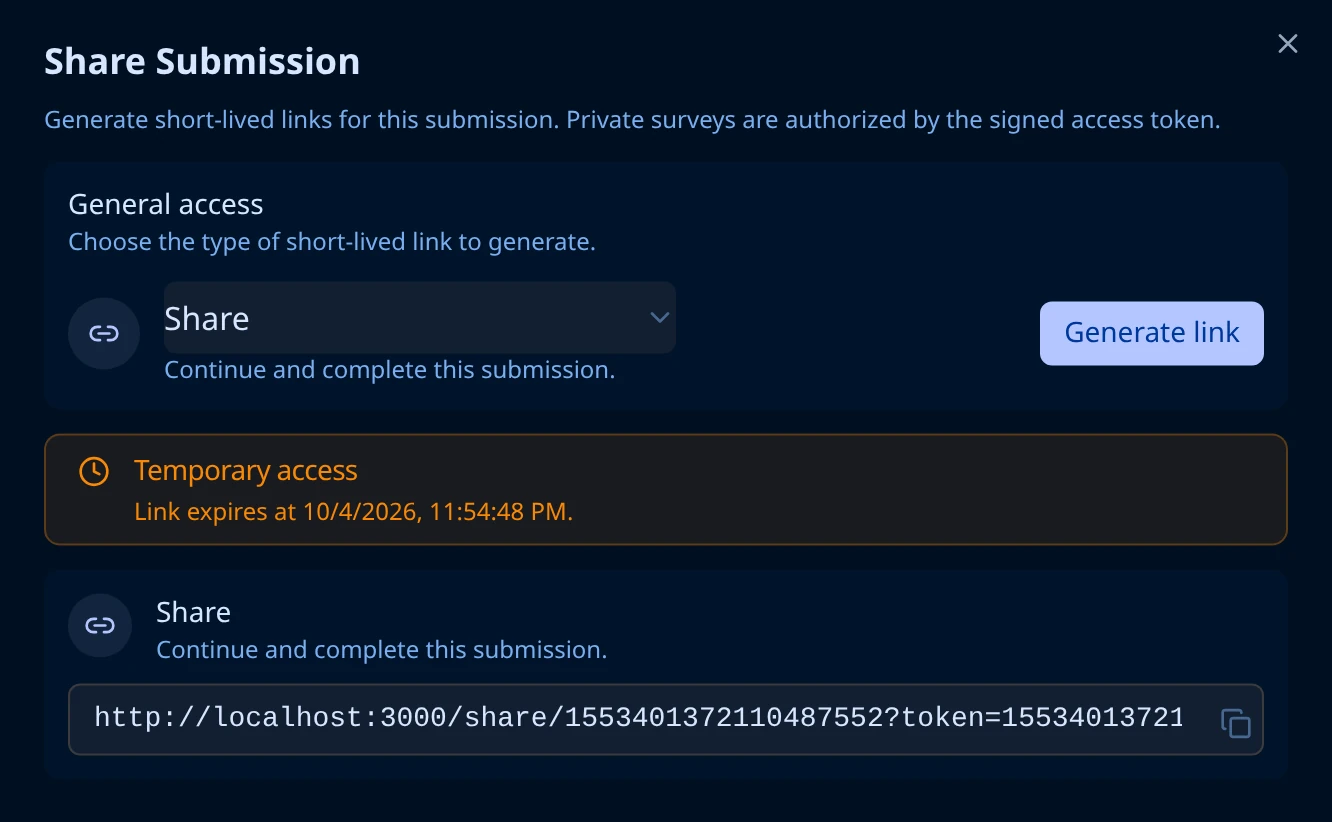
Temporary access states the exact expiry date and time in your own timezone. Below it, the link is ready to copy.
The URL is the page plus a token query parameter:
https://your-hub.example.com/view/1553401372110487552?token=1553401372123070464.1791147435.r.<signature>
The token is the whole of the access control. It is signed, and it carries the submission id, the expiry, and the permissions (r view, w edit, x export, s submit). Nothing else is checked, so treat the URL itself as the secret: anyone it reaches can open the submission.
What the recipient sees
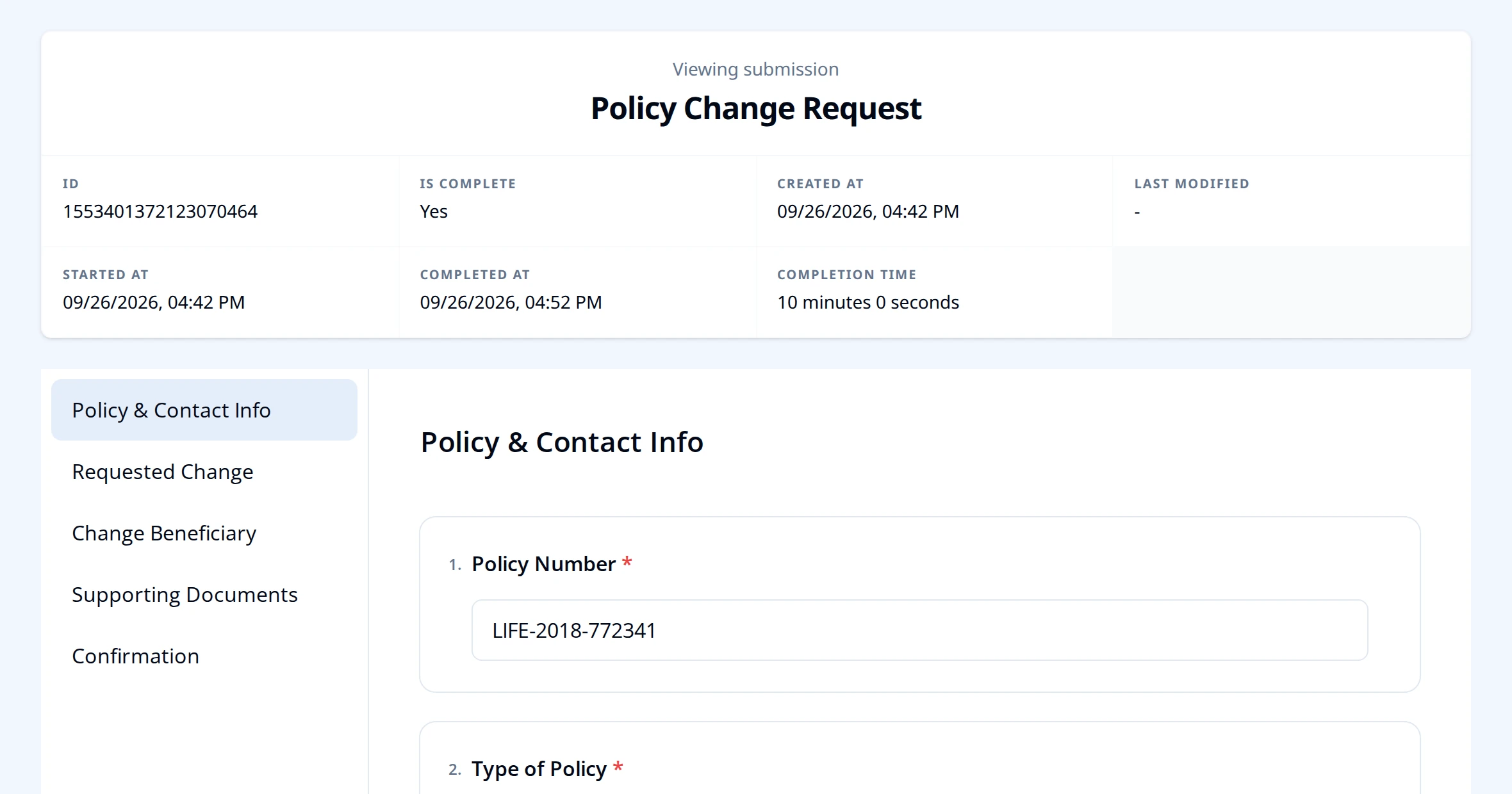
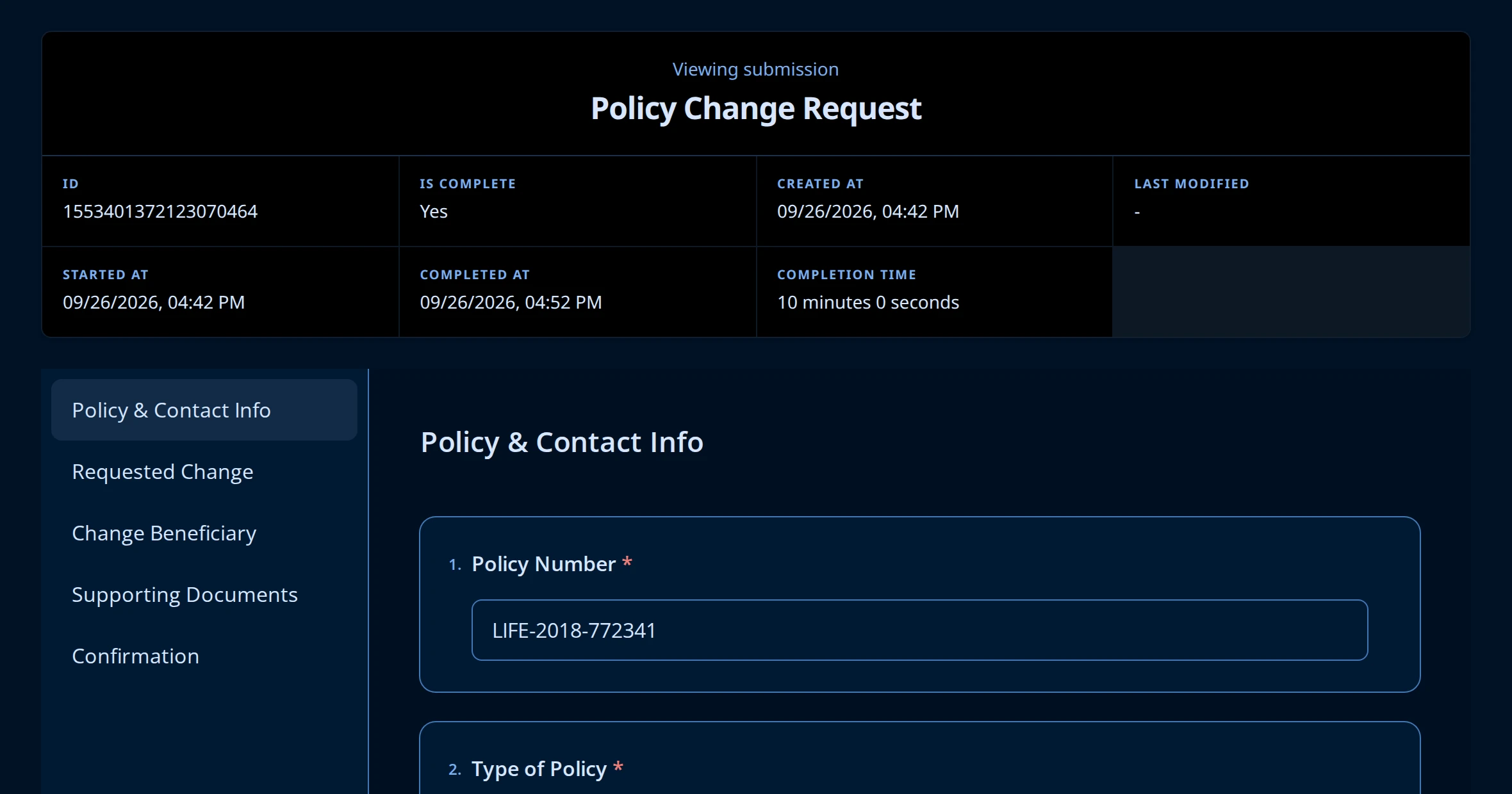
No sign-in, no account, no Hub. A View link opens the submission on its own page:
Expiry
Links last 7 days. Hub does not offer a shorter or longer option in the dialog.
Nothing about the link is stored, so there is nothing to revoke. Generating a second link does not cancel the first, and no setting in Hub shortens one that is already out. Until the seven days are up, every copy of that URL keeps working, including one that was forwarded or pasted into a ticket. Share it the way you would share the answers themselves.
After it expires, the link shows This link has expired and Request a new access link to continue. Generate a fresh one and send that.
When a link does not work
| What the recipient sees | What happened |
|---|---|
| This link has expired. | More than 7 days have passed, or the URL was truncated in transit. Generate a new one. |
| You can't open this submission. | The link does not carry the permission that page needs, for example a View link opened at the edit page. Generate the right type. |
| We couldn't find that submission. | The submission was deleted, or the id in the URL is wrong. |
A link broken across two lines by an email client is the most common cause of the first row. Send it as a single line, or as a hyperlink.