Embed a Form via iframe
Drop embed.js on any page. It inserts an iframe after the script tag (that is the form's position)
and keeps height in sync. Lifecycle events, payloads, and host-page listeners live in
Embedded form events — this page is the snippet, height modes,
and how to test against a real host. For the Hub-side walkthrough (Share dialog, height-mode choice,
what respondents see when the form is disabled or private), see
Embedding a Form.
The embed snippet
Copy it from the Hub share dialog, or write it by hand:
<script
  src="https://YOUR_HUB_URL/embed/v1/embed.js"
  data-form-id="YOUR_FORM_ID"
></script>
YOUR_HUB_URL is the Hub origin that serves the form (e.g. localhost:3000 locally).
| Attribute | Required | Meaning |
|---|---|---|
data-form-id | Yes | Published form id. |
data-height-mode | No | auto (default) or fill. |
data-token | No | Access token for a prefilled or editable submission. |
data-prefill | No | Query fragment, e.g. campaign=spring. |
If both data-token and data-prefill are set, the token wins. Token creation:
Form Prefilling and Sharing.
Height modes
auto (default). Iframe grows and shrinks with the form. The page scrolls; the form does not.
Use this in normal document flow.
fill. Iframe takes the container's height — full-height panel, modal body, dedicated page.
The container needs a resolvable height (height: auto gives it nothing to fill). If the form is
taller than the container, make the container scroll.
<div style="height: 100vh">
  <script
    src="https://YOUR_HUB_URL/embed/v1/embed.js"
    data-form-id="YOUR_FORM_ID"
    data-height-mode="fill"
  ></script>
</div>
Test on a real host
/embed/{formId} is the iframe document, not a host page. Opening it skips embed.js, resize,
and host events. A real check needs a page on a different origin from Hub.
Local Development already has one: embed playground, GET /dev/embed-host on the API.
Hub is http://localhost:3000 by default, so open the HTTP API origin
(http://localhost:5000) — the HTTPS profile (https://localhost:5001) cannot load HTTP
embed.js (mixed content). The playground detects that and shows an in-page error instead of
injecting the script, with Open HTTP playground linking this process's own HTTP port
(:5000 on the default launch profile). Hub serves embed.js and the iframe; the API origin is the
host — same split as a customer site.
On in Development; 404 in Production unless you set:
{
  "Endatix": {
    "DevTools": {
      "EmbedHost": {
        "Enabled": true,
        "HubBaseUrl": "http://localhost:3000"
      }
    }
  }
}
HubBaseUrl is the Hub origin for embed.js (falls back to Endatix:Hub:HubBaseUrl). Extra
origins go in Endatix:DevTools:EmbedHost:AllowedHubHosts as absolute URLs (https://hub.example).
In Development, loopback and host-only entries are also accepted. Unknown hubBaseUrl or a bad
formId on the builder re-renders the shell with an inline error (200). view=bare still
returns 400.
Query string is the contract
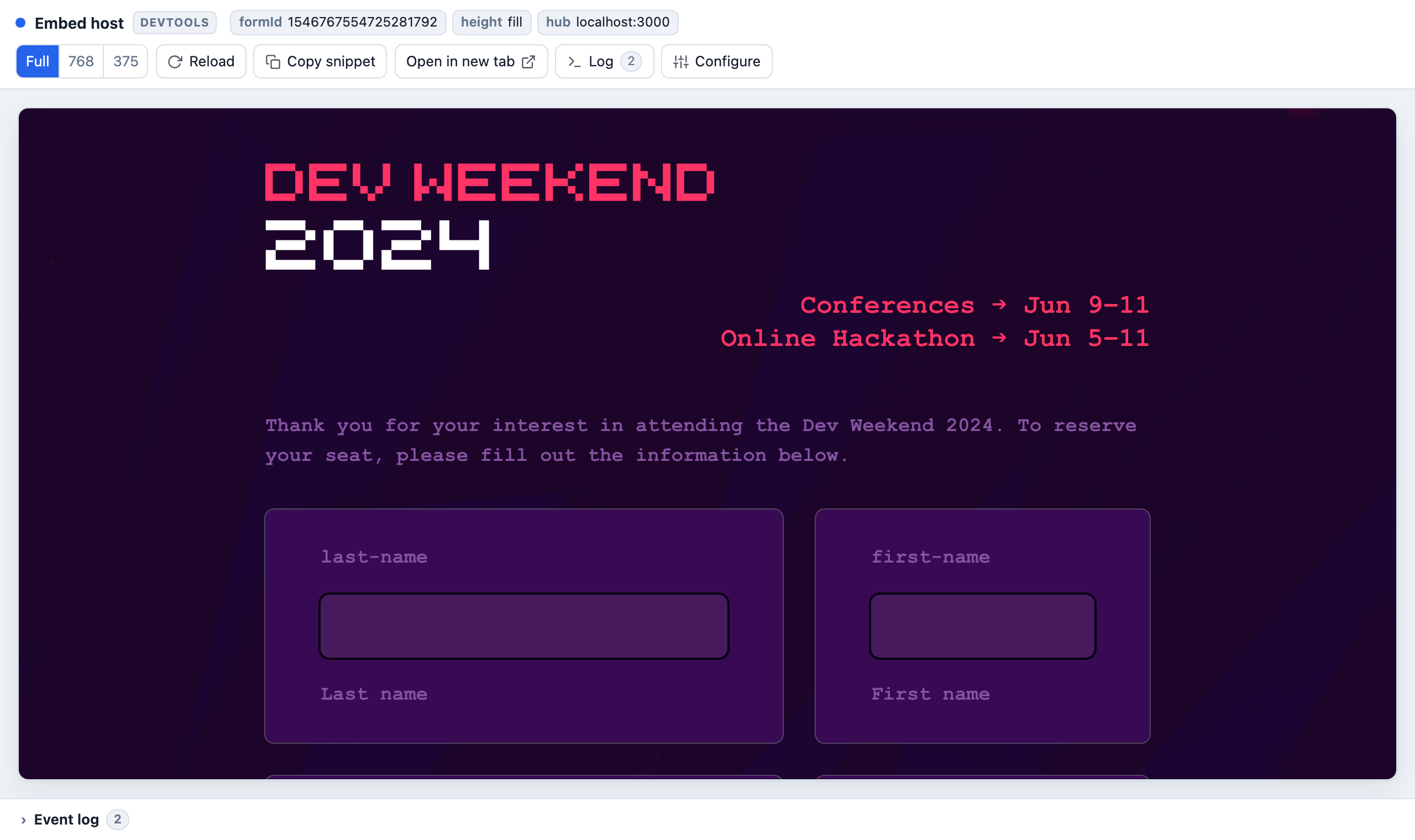
The URL fully describes the embed. Configure only GET-rewrites that query — nothing you cannot type by hand. Agents and bookmarks should use the query, not the UI.
http://localhost:5000/dev/embed-host?formId=1442869143157080064&heightMode=fill
| Query | Meaning |
|---|---|
formId | Form to embed. Omit for the empty builder shell. Required for view=bare. |
heightMode | fill, or omit for auto. |
token / prefill | Map to data-token / data-prefill. Token wins. |
hubBaseUrl | Origin override (scheme+host+port). |
view | builder (default) or bare (no chrome). |
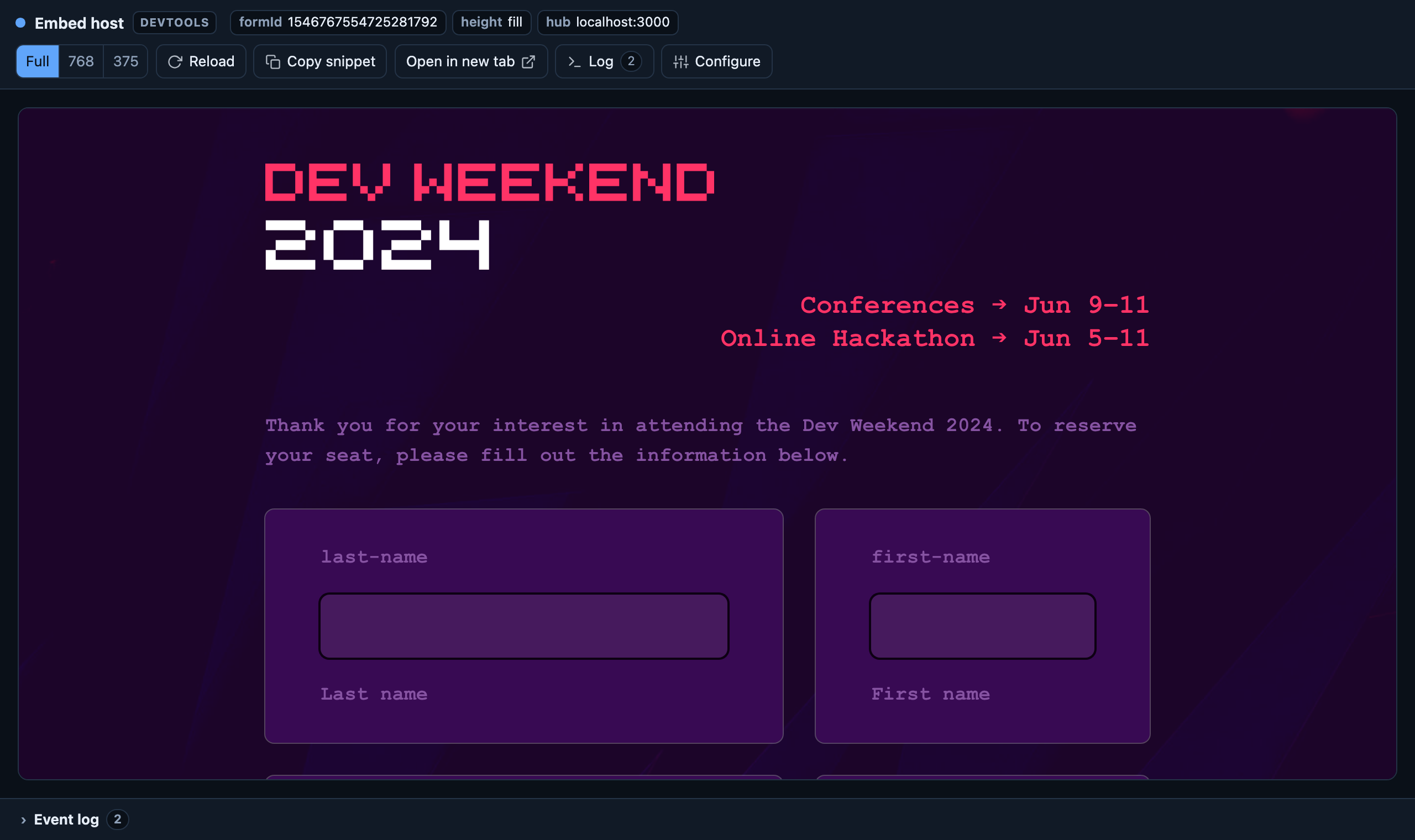
Toolbar (builder): Full / 768 / 375 preview width, Reload, Copy snippet, Open in new
tab (view=bare on the same query). Log and Configure fold the panels below.


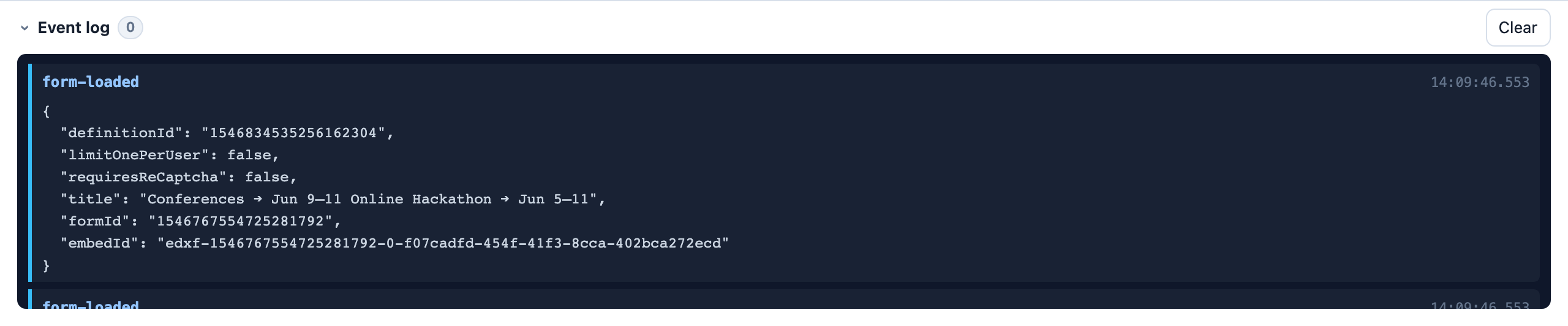
Log records the same endatix:form-* events your host page would receive. It stays collapsed,
badges unseen events, and opens on error. Payloads and how to listen:
Embedded form events.
view=bare
No toolbar, log, or configure — for e2e and screenshots:
http://localhost:5000/dev/embed-host?formId=1442869143157080064&view=bare
Invalid or missing formId → 400.
DevTools only — not a production embed. Keep it disabled outside development.
Troubleshooting
Nothing renders / mixed-content banner. HTTPS playground (:5001) cannot load HTTP Hub
(:3000). Open the playground on the API's HTTP address instead — Open HTTP playground on the
card links it, or use http://localhost:5000/dev/embed-host on the default launch profile. Confirm
data-form-id is a published form.
fill collapses. Give the parent an explicit height. See Height modes above.
Resize or events. Host CSS, hidden parents, listener timing, CSP — Embedded form events → Troubleshooting.